
You are not logged in.
- Topics: Active | Unanswered
#276 Re: Installation » NTFS Partitions not recognised » 2019-02-04 22:27:25
It would seem the problem is with non-recognition of the partitions' existence
Agreed. But it is strange that cfdisk can see them.
I'm wondering if partitions created in Windows have a different indexing or header or something, which is why Linux does not recognise them.
Very unlikely, IMHO. I've deal hundreds of times with setups like yours and your issue is new to me.
I'm scratching my head right now. But I'm confident that a solution eventually came up from this forum.
#277 Re: Devuan » Devuan Beowulf up and running and quite sweet » 2019-02-04 20:00:18
Hi all
Welcome! Gentoo is a great distro IMHO. I tried it a few times (from stage1), and (sorry) it is not for me (but I use SystemRescueCD, based on Gentoo, very often). You can tweak Devuan very deeply if you see fit. I think that you will feel at home with Devuan.
#278 Re: Installation » NTFS Partitions not recognised » 2019-02-04 19:46:57
trying to mount the Windows partitions under Devuan failed.
Could we see the exact command you tried and the error you got? I mean, from the command line.
#279 Re: Installation » Installing devuan without pulseaudio. » 2019-02-03 08:47:43
Never have taken the time to figure out how to do it correctly.
That is the right way 
#280 Re: Installation » Installing devuan without pulseaudio. » 2019-01-31 17:13:58
May be there are other posibilities better than mine, but I share what I do: using netinstall.iso I choose minimal system and then install only the packages I know that I need, almost one by one at first (consuming task, but I'm used to do it and now I've some bash scripts). This way, you can see if pulseaudio try to get installed and when.
Two pieces of advice: do not install recommended packages and use apulse instead of pulseaudio when needed (I use it for Firefox).
#281 Re: Installation » Pale Moon » 2019-01-30 19:53:35
AFAIK, Steve Pusser provides Pale Moon for Debian users from his repos
Running it in my Devuan ASCII boxes without problems so far, tried both 32 and 64 bits.
I downloaded the debs form opensuse.org and installed them.
#282 Re: Hardware & System Configuration » [SOLVED] boot up without x automatically starting » 2019-01-27 18:29:35
I don't understand exactly what you want.
I had an use case very similar. I wanted to study from the ground up the GNU/Linux system. I started from the command line. Some months later, I decided to install X Window System, but I did not want to start it automaticaly, so I used startx when I saw fit.
Maybe someone has a box with very humble hardware and he/she can use it for a lot of things just without X, but wants to have it around, just in case.
I'm sure that there are a lot more of cases.
#283 Re: Hardware & System Configuration » [SOLVED] boot up without x automatically starting » 2019-01-26 18:27:47
The first thing I'd do is check carefully the file /var/log/Xorg.0.log looking for errors.
Further reading: https://www.x.org/wiki/FAQErrorMessages/
#284 Re: Devuan » Great OS, minor critiques » 2019-01-26 10:36:59
galculator is another nice calculator.
Agreed, I like it too. Please also consider speedcrunch; its GUI will be familiar to modern pocket calculator users.
#285 Re: Hardware & System Configuration » right click on mac » 2019-01-26 10:33:11
but cannot remember offhand its uses and advantages
I've used it a few times as a debugging tool exactly for that mouse issues. I fire xev, play with the mouse buttons and I can see what events are been actually fired.
Fun story: a relative of mine, time ago, said to me: "please update that program, it doesnt work anymore". xev said the mouse was malfunctioning; I changed the mouse and the program "worked" again
#286 Re: Other Issues » Devuan as VirtualBox host system » 2019-01-25 12:59:29
followed by # apt -f install
Thanks for the tip
#287 Re: Hardware & System Configuration » right click on mac » 2019-01-25 12:58:13
you said two-finger click 'does nothing', but double-check that a few times
Hi, Rick. Could we suggest the use of the old and good xev utility to help isolate the problem?
#288 Re: Other Issues » Devuan mailing list problem » 2019-01-24 21:09:37
When I see .aspx, I run the other way
Me too, and as fast as I can.
#289 Re: Other Issues » Devuan as VirtualBox host system » 2019-01-24 21:05:46
simply install the package with dpkg -i
Some deb in the wild dont install correctly with dpkg (Google Chrome comes to mind), so usually I prefer gdebi. If you have the luxury of a X server, gdebi-gtk is very handy too.
#290 Re: Other Issues » Devuan as VirtualBox host system » 2019-01-22 12:53:30
I'm running Devuan 2.0 64 bits with VirtualBox 6. I installed it with this command:
gdebi --o Install-Recommends=no -n virtualbox-6.0_6.0.0-127566~Debian~stretch_amd64.deb
Next you will need to compile four kernel modules, but VirtualBox itself will guide you and it is very easy.
I cannot comment about stability, sorry.
#291 Re: Installation » domain name (installation) » 2019-01-19 18:05:18
You can safely skip this step. Anyway, if you need to use it afterwards, just edit your /etc/resolv.conf and add a line like domain yourowndomain.
Then when you type ping host you will get automaticaly ping host.yourowndomain.
This is useful, as indicated by the instaler, when you have configured a home network with your own nameserver. I did, it is fun (I'm not a pro, this is not my work) and it is useful when you internal network get bigger.
Further reading: man resolv.conf and https://www.isc.org/downloads/bind/
#292 Re: Desktop and Multimedia » Possible to install KDE without Pulseaudio and nice replacement? » 2019-01-19 13:48:08
Also, if you use Firefox; it depends on pulseaudio.
Exactly. But with the help of apulse you can use stardard Firefox downloaded from mozilla.org with ALSA and not use pulseaudio.
#293 Re: Off-topic » Show your desktop (rebooted) » 2019-01-14 16:41:47
Devuan 2 (ASCII) here.
My graphical login is LightDM with webkit greeter and my own theme: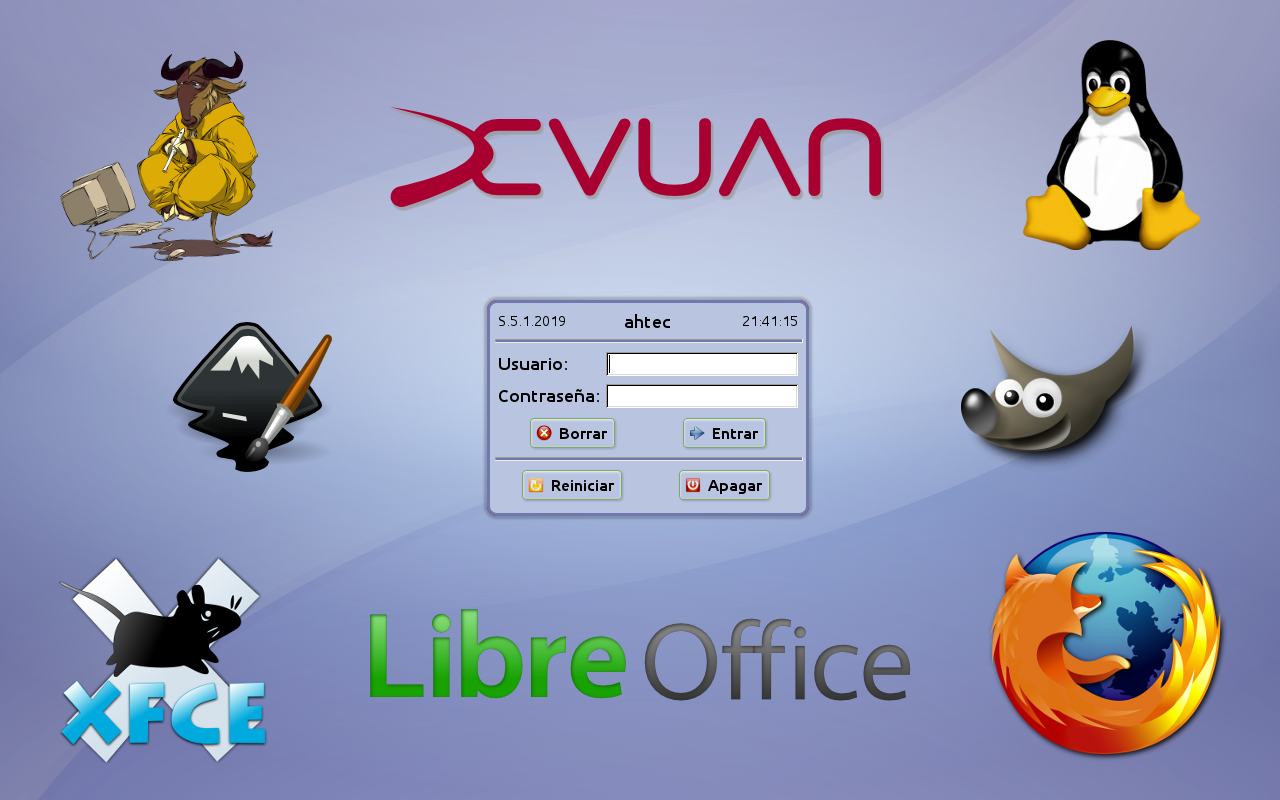
My desktop is XFCE with my own customizations and a mix of GTK and QT programs: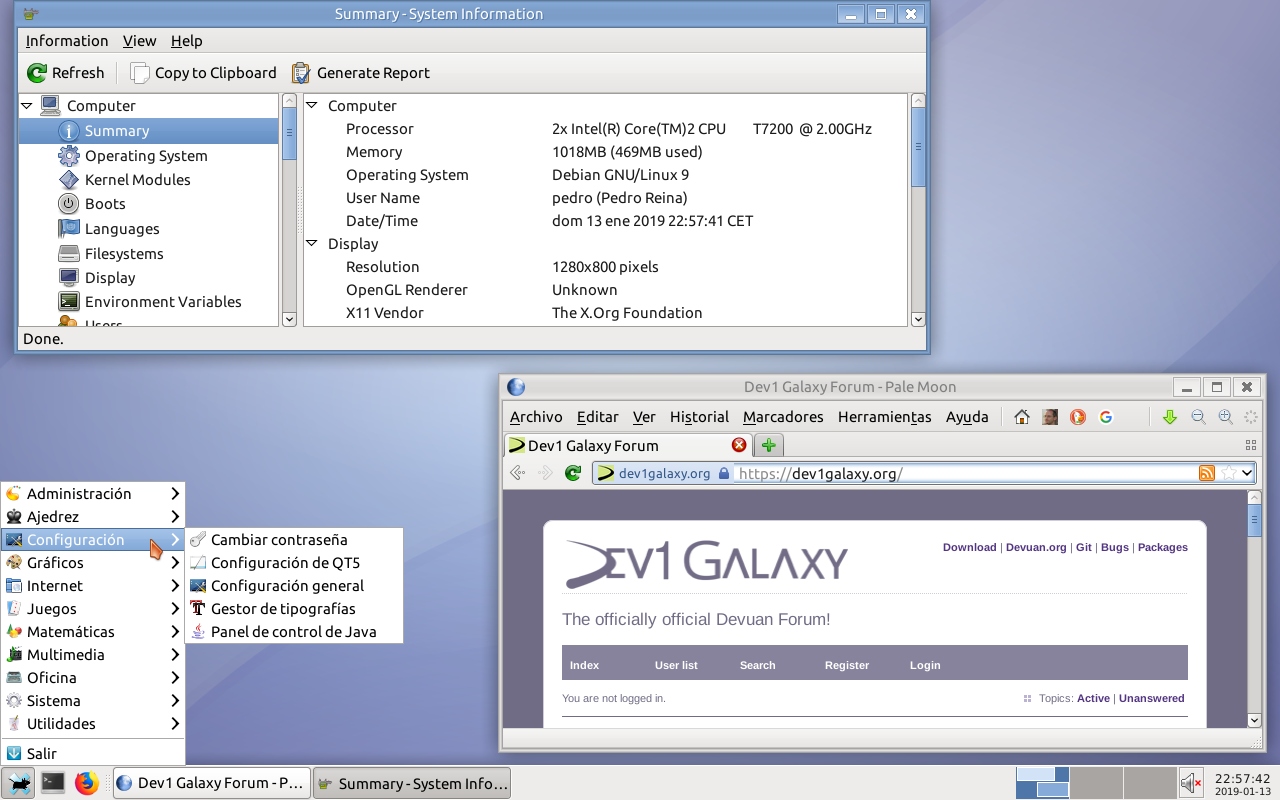
You can see that one of the programs says Debian instead of Devuan, it is a bug.
#294 Off-topic » Introducing Pedro Reina » 2019-01-13 20:16:41
- PedroReina
- Replies: 7
It seems to me that this forum has not an option to introduce our selves. So, I've choosen to use an off-topic for just that.
My name is Pedro Reina, from Spain. Debian user since before 2.0 (hard to remember exactly). Deeply scared by the Debian decision to use systemd as default.
I have been waiting a bit to Devuan to settle and get its own way before jump to it. With Devuan 2 (ASCII) I just started to work with the system.
I'm interested both in servers and desktops. I used to admin high school Debian desktops at work; now I'm close to retirement, but I want to keep updated. Also interested in programming and web development.
Thank to all the Debian developers for all that wonderful years (I met some of them in person), and thank to all the Devuan developers. Keep the work up!
Board footer
