
You are not logged in.
- Topics: Active | Unanswered
#126 Re: Devuan Derivatives » GNUinOS - Libre » 2023-05-07 17:51:40
after the eventfs integration things have changed (for some reason only under 64 bits)
Solved!
It's working in x86 as well 
The origin of the issue was in the lines 85-92 of inode.c when the flags verify_discipline and EVENTFS_VERIFY_INODE are enabled:
if( verify_discipline & EVENTFS_VERIFY_INODE ) {

      if( pstat_is_deleted( proc_stat ) || inode_sb.st_ino != sb.st_ino ) {

         eventfs_debug("%d: Inode mismatch: %ld != %ld\n", pstat_get_pid( inode->ps ), inode_sb.st_ino, sb.st_ino );
         return 0;
      }
}
The function:
static int eventfs_dir_inode_is_created_by_proc( struct eventfs_dir_inode* inode, struct pstat* proc_stat, int verify_discipline );
tries to determine whether or not the given directory /dev/metadata/udev/events/serial/libudev-$CLIENT_PID-$monitor_slot has been created by the given process (i.e. the libudev client). Otherwise, the aforementioned directory will be tagged as garbage, and thus, removed by the garbage collector in the eventfs filesystem.
However, even if the directory has been created by the given process, inode numbers may change and the above comparison cannot be considered as an absolute rule. Moreover, inode numbers always changed for me under 32 bit (It seems that Jude Nelson did all of his labs in x86_64). Therefore, I by-passed these lines in the code of inode.c, comparing only other attributes like the size, the path, the starttime, and so on.
I've updated the isos again.
#127 Re: Devuan Derivatives » GNUinOS - Libre » 2023-05-02 20:55:37
I am planning to install again from the latest Chimaera ISO, but I was wondering whether there is a way to include these modifications through a system upgrade.
System upgrades from vdev worked for me, but in this case it's very likely that the upgrade process will require a reboot in between to get the mouse and keyboard working again, after which you'll need to type `dpkg --configure -a` and then finish the process with another `apt-get dist-upgrade`.
To avoid this workaround I recommend to change to eudev before the system upgrade, that is:
# apt-get install eudevReboot, and upgrade the system:
# apt-get dist-upgradeAnd then restore vdev if you wish once the upgrade process has been carried out:
# apt-get install vdevHope this helps.
#128 Re: Devuan Derivatives » GNUinOS - Libre » 2023-05-01 17:59:57
Thanks to the recent eventfs integration in libudev-compat and vdev, Xorg can now make use of the libudev support available in the kernel (CONFIG_DEVTMPFS) that has been disabled in the ServerFlags Section of Xorg via:
Section "ServerFlags"
	Option "AutoAddDevices" "off"
	Option "AllowEmptyInput" "on"
EndSection
in all the previous versions of gnuinos to not use libudev, in a way that no input devices were being added from the udev backend. Otherwise, mice and keyboards didn't respond during the X sessions.
It happened that the uevent files pushed to /dev/metadata/udev/events as explained here:
https://www.gnuinos.org/libudev-compat/
were consumed by all the libudev clients, but Xorg. However, after the eventfs integration things have changed (for some reason only under 64 bits), and now the behavior of the pointer is much better in both virtual machines and touchscreens. I've also been able to enable/disable tap to click on the touchpad either via xinput and synclient (synaptics), and my Wacom Pen Tablet is recognized by Gimp. However, the libudev compatibility still doesn't work in 32 bits and I need to use the config snippet mentioned above to get the mouse and keyboard working thanks to obsolete drivers. Although the uevents are being consumed, input devices don't work if I enable udev in the server flags.
I've updated all the isos of gnuinos chimaera today.
#129 Re: Devuan Derivatives » GNUinOS - Libre » 2023-04-05 21:54:46
I just noticed there is a new Chimaera live iso from two days ago.
Yes, last weekend I improved usbmount, an alternative to udevil without suid permissions, used by hopman. On the other hand, there were some glitches related to the eventfs integration in libudev-compat (vdev), but I think that I succeded fixing them today because I tested different udev monitors running at the same time while provoking a lot of udev events for several minutes straight, and none of them crashed. Hence, today I decided to update the isos once again.
The last install with the previous iso eventually went to frozen mode, so I decided to try my luck with the Daedalus Xfce 64-bit iso instead, which has been working just fine for now. Probably because of the time elapsed Because Daedalus is the current testing version, "$ sudo apt update" is complaining about a missing release files. All upgrades went fine, of course.
Perhaps you'll find gnuinos daedalus more stable because it ships with eudev, for the time being at least, as opposed to chimaera. However, if you aren't familiar with vdev or you prefer the earlier device manager in chimaera, you can always change to it (or vice versa) via apt if you wish:
# apt-get install eudevPackages like vdev, libudev-compat, libudev-compat-helpers, libudev-compat-dev, udevadm-compat... wil be removed from the system, of course.
#130 Re: Devuan Derivatives » GNUinOS - Libre » 2023-03-27 22:11:10
Hello, Gnuinos world. I just realized that there is a freshly baked ISO available. Was testing Chimaera Xfce 64-bit, great experience: 380MiB RAM with a complete DE.
Hi, prospero... First of all, thanks for your comments in the Trisquel forum.
I ran into the missing /dev/mapper/gnuinos--vg-root error when I tried to install with LVM, so I did without LVM and everything went fine. Also, is there a trick to get the installer to format to XFS? It would not, so I used EXT 4 instead. That was with the previous 2023-03-11 image, though.
Let me check both cases. I did some lvm partitioning time ago in order to test hopman, but I guess that it was under devuan with eudev as device manager. Give me some time and I shall let you know the results of my enquiries, thanks
#131 Re: Off-topic » Show your desktop (rebooted) » 2023-02-05 00:57:23
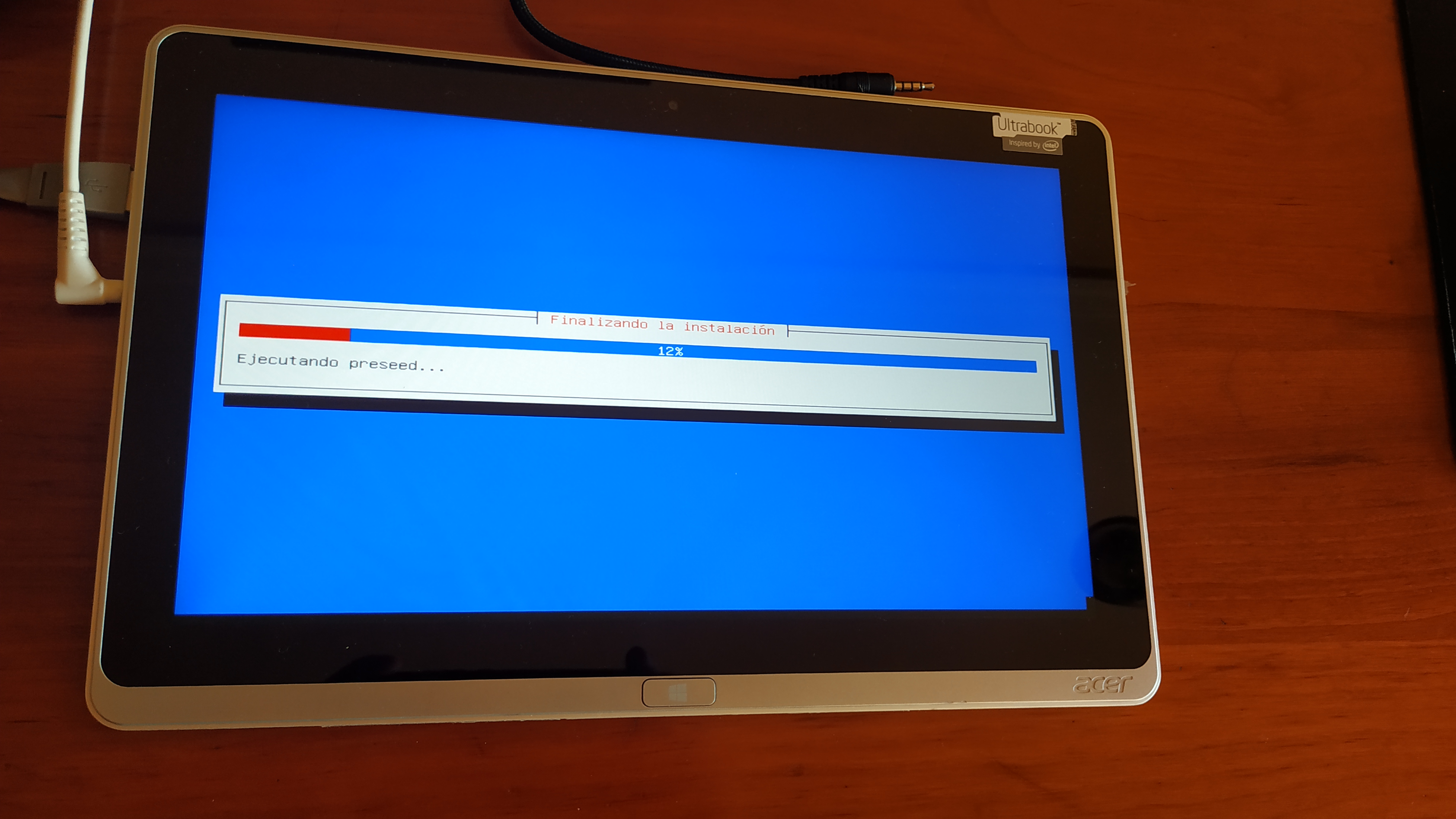
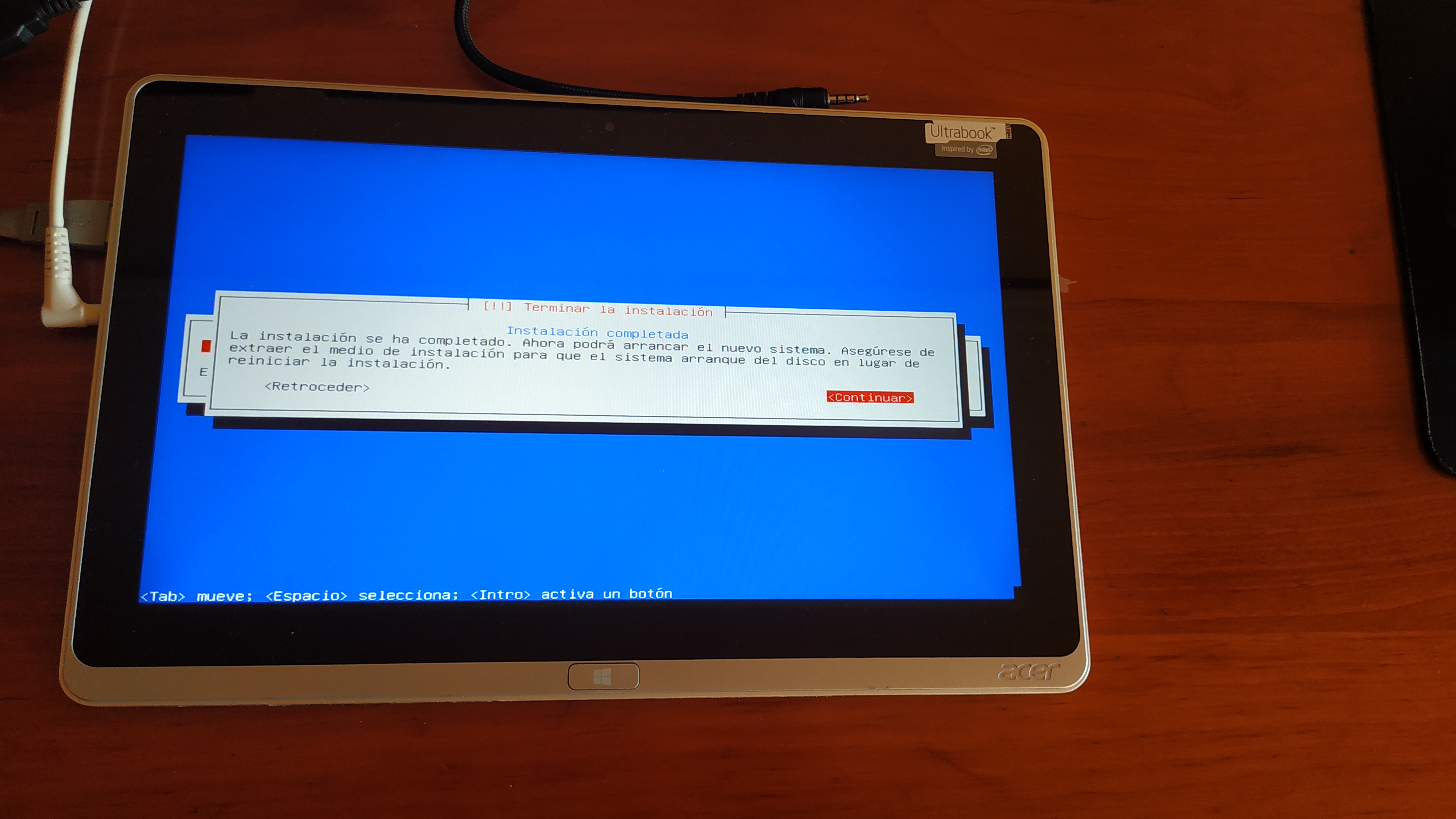
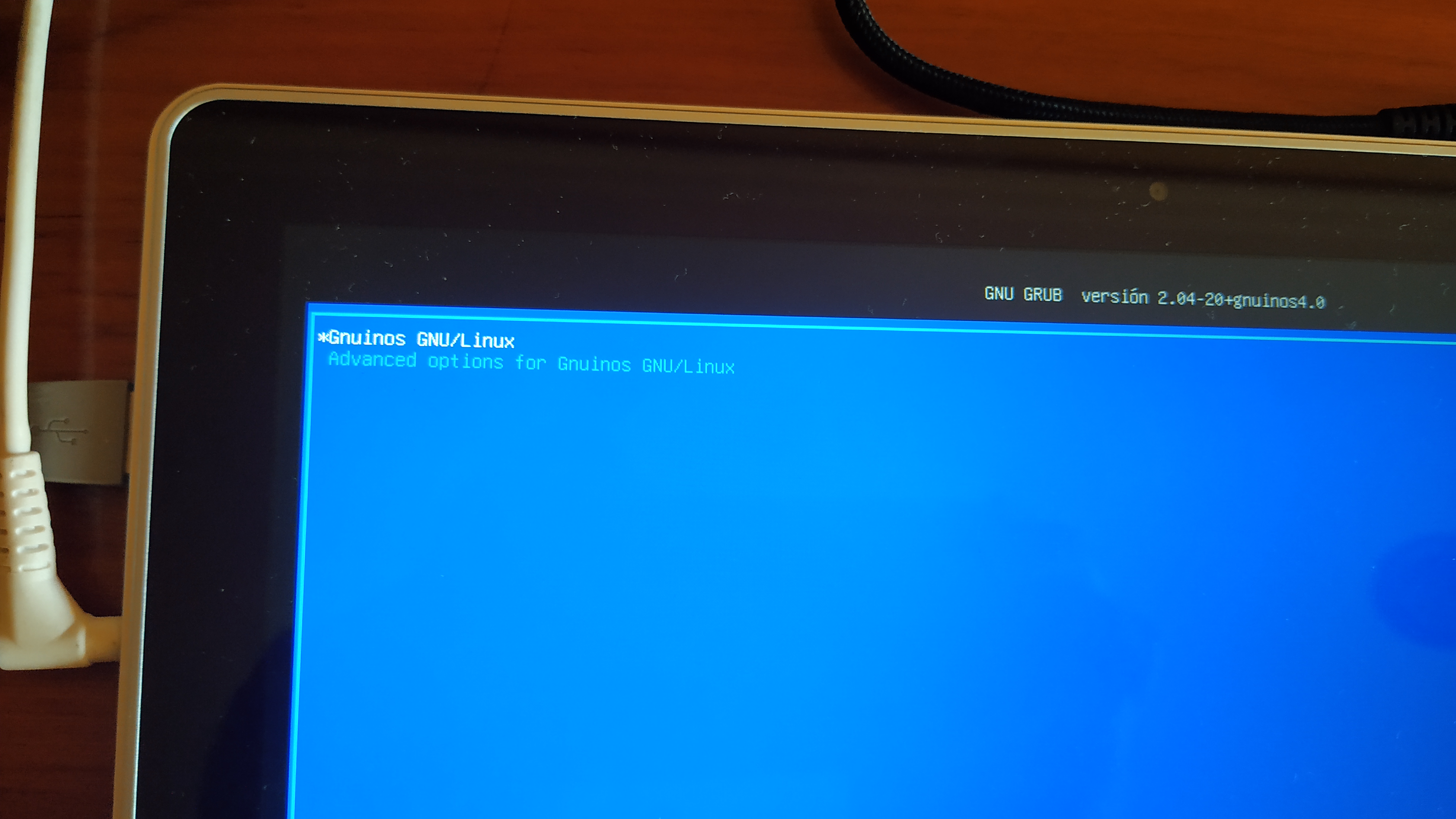
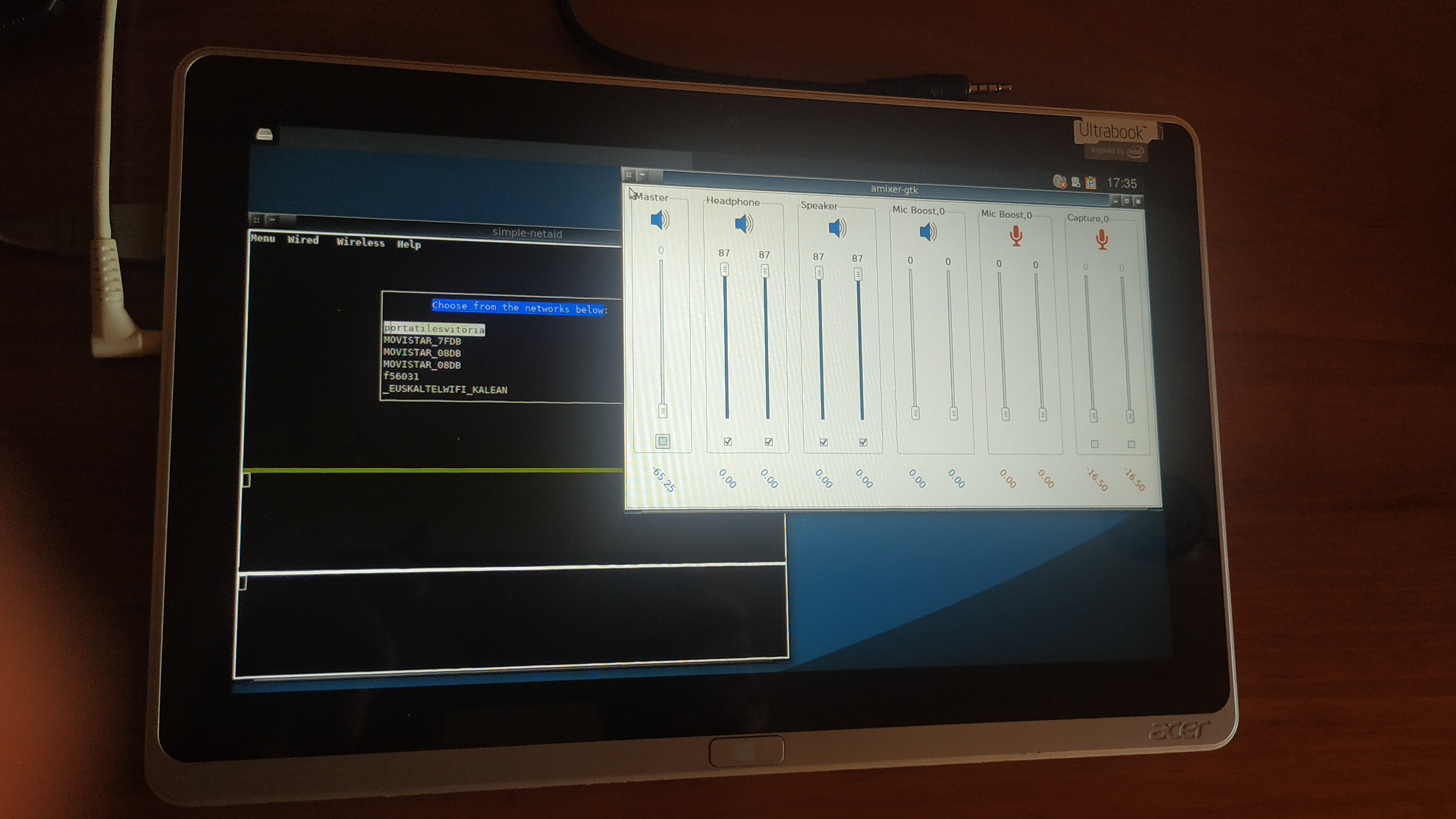
#132 Re: Desktop and Multimedia » [SOLVED] Bluetooth headphone not showing in PulseAudio/pavucontrol » 2023-02-03 23:53:19
Thank you dzz
sudo apt purge *pulseaudio*

will remove bt-reload-headphones* gstreamer1.0-pulseaudio* paprefs* pulseaudio* pulseaudio-equalizer* pulseaudio-module-bluetooth* pulseaudio-module-gsettings*
  pulseaudio-module-zeroconf* pulseaudio-utils* pulseeffects* quodlibet* task-xfce-desktop* xfce4* xfce4-pulseaudio-plugin*
I want to keep xfce4 and quodlibet. Is there a more surgical command?
Try with dpkg, instead of apt (sorry, but I'm not in xfce right now):
# dpkg --purge pulseaudioI think that the package depending on pulseaudio is the one provided by tasksel, i.e. task-xfce-desktop, but not the whole xfce desktop environment, which can be installed without the tasksel package. Good luck.
#133 Re: Desktop and Multimedia » [SOLVED] Bluetooth headphone not showing in PulseAudio/pavucontrol » 2023-01-30 19:49:10
Maybe you'll need to install bluez-alsa, but i'm not familiar with it.
#134 Re: Desktop and Multimedia » [SOLVED] Bluetooth headphone not showing in PulseAudio/pavucontrol » 2023-01-30 19:14:45
Simple mixer control 'Headphone',0
Simple mixer control 'Headphone',1
So, the controls are there. They should be shown by alsamixer then.
#135 Re: Desktop and Multimedia » [SOLVED] Bluetooth headphone not showing in PulseAudio/pavucontrol » 2023-01-30 16:33:48
What's the output of
$ amixer -c 0 scontrolsYou can try your luck with higher card numbers, for example -c 1
#136 Re: Desktop and Multimedia » [SOLVED] Bluetooth headphone not showing in PulseAudio/pavucontrol » 2023-01-29 10:31:26
Did you try with alsa?
#137 Re: Other Issues » [Ceres] apt: initramfs-tools post-installation error [SOLVED] » 2023-01-15 22:24:48
I built live-boot packages with the fix and put them here for people to use until debian builds them. I really hope we don't have to fork live-boot for this.
https://sourceforge.net/projects/refracta/files/tools/live-boot, live-boot-initramfs-tools and live-boot doc all from 2022-12-16.
So do I:
#138 Re: Documentation » [SOLVED] Simple Netaid » 2022-12-18 02:23:55
Recently i've done several improvements in the sources of simple-netaid and i would like to share with you a brief tutorial explaining how to build it from source. The procedure has been tested in Void Linux and Slackware, but i had trouble running ifupdown in the later. Bear in mind that ifupdown is debian specific, though it's also used in a few independent distributions like Void and Alpine Linux. I still didn't try to build simple-netaid in Alpine, hence i'll specify the build dependencies only for devuan and void.
In de{bi,vu}an you can install them via apt:
# apt-get install git-core build-essential pkg-config autoconf automake libtool intltool libiw-dev libcdk5-dev \
gettext libjson-c-dev libprocps-dev libsigc++-2.0-dev libncurses-dev libvte-2.91-dev libgtk-3-dev
In Void the packages can be installed using the xbps package manager:
# xbps-install git base-devel pkgconf autoconf automake libtool intltool gettext-devel json-c-devel \
procps-ng-devel libsigc++-devel ncurses-devel vte-3-devel gtk+3-devel
Both libiw-dev (i.e. wireless-tools) and cdk5 are missing in the void repo, and we'll need to build them from source. In summary, we're going to build the projects below:
libpstat
libubox
ubus
wireless-tools (only in Void)
libnetaid
snetaid
cdk5 (only in Void)
simple-netaid-cdk
simple-netaid-vte3 (optional)
- Installing LIBPSTAT
Developed by Jude Nelson, libpstat is a small library for getting information on running processes in an OS-agnostic way. The source is available in his git repository, but i added a few extras to suit the needs of simple-netaid. Build it as follows:
$ git clone https://git.devuan.org/aitor_czr/libpstat.git
$ cd libpstat
$ make OS=LINUX
Now install it as root:
# make install PREFIX=/usr/local- Installing LIBUBOX
This consists of a set of utilities, mostly wrappers, that are used by many OpenWrt projects. In this case, it's present in Ubus. The original code (developed by Felix Fietkau) uses the cmake build system, but i replaced it with gnu make:
$ git clone https://git.devuan.org/aitor_czr/libubox.git
$ cd libubox
$ make
As root:
# make install PREFIX=/usr/local- Installing UBUS
Ubus is a system level micro bus architecture basically consistent with DBus. Again, i replaced cmake with the gnu autotools build system (instead of make in this case, because ubus is daemonized and the autotools provide configuration flags suitable for the different scenarios the end user may face depending on the installed init system).
To build the sources you'll have to export the PKG_CONFIG_PATH variable in order to find the libubox library. In Void:
$ export PKG_CONFIG_PATH=${PKG_CONFIG_PATH}:/usr/local/lib/pkgconfigIn devuan:
$ export PKG_CONFIG_PATH=${PKG_CONFIG_PATH}:/usr/local/lib/$(dpkg-architecture -qDEB_HOST_MULTIARCH)/pkgconfigDownload and build the source:
$ git clone https://git.devuan.org/aitor_czr/libubus.git
$ cd libubus
$ autoreconf -i -f
At this point, in devuan with sysvinit run the following command:
$ ./configure --prefix=/usr/local --disable-runit
$ make
In Void with runit:
$ ./configure --prefix=/usr/local --disable-sysvinit
$ make
You can now install ubus:
# make installYou'll face "libtool: warning: remember to run 'libtool --finish /usr/local/lib'" warning because libtool complains that the prefix specified in the during the make phase is different from the one you have when you run make install. But it's a harmless warning and you don't need to do anything.
- Installing WIRELESS-TOOLS (Only in VOID LINUX)
You can download it from the Hewlett Packard repo:
$ git clone https://github.com/HewlettPackard/wireless-tools.git
$ cd wireless-tools/wireless_tools
$ make
As root:
# make install- Installing LIBNETAID
This library consists of some C bindings for the high level ifupdown network manager. Download and build it as follows:
$ git clone https://git.devuan.org/aitor_czr/libnetaid.git
$ cd libnetaid
$ make
As root:
#make install- Installing SNETAID
Configuration daemon for simple-netaid. For the same reason than Ubus, it uses the gnu autotools build system:
$ git clone https://git.devuan.org/aitor_czr/snetaid.git
$ cd snetaid
$ autoreconf -i -f
In devuan with sysvinit:
$ ./configure --prefix=/usr/local --disable-runit
$ make
In Void with runit:
$ ./configure --prefix=/usr/local --disable-sysvinit
$ make
You can now install snetaid:
# make install- Configuring snetaid
Once the installation of snetaid completes, you need to create your user account. First of all create a new group named snetaid and add yourself to the group:
# groupadd netaid
# usermod -aG netaid $USER
Now issue the ldconfig command before starting the installed daemon (in some systems -e.g. Slackware- you may need to add the line /usr/local/lib to your /etc/ld.so.conf):
# ldconfigAfter that, you'll be able to start snetaid. In devuan with sysvinit:
# service snetaid startIn Void with runit:
# sv start snetaidAt this point, i recommend you to reboot the system other than restarting the daemons to ensure that both ubus and snetaid start automatically without issues during the boot process. If everything went as spected, the output of ubus -v list should look similar to this:
$ ubus -v list
'ering.netaid' @0dc00e91
    "interface_down":{"id":"Integer","ifname":"String"}
    "interface_up":{"id":"Integer","ifname":"String"}
    "ifdown":{"id":"Integer","ifname":"String","tty":"Integer"}
    "ifup":{"id":"Integer","ifname":"String","tty":"Integer"}
    "ipaddr_flush":{"id":"Integer","ifname":"String"}
    "wpa_passphrase":{"id":"Integer","essid":"String","passwd":"String","filename":"String"}
    "wpa_supplicant":{"id":"Integer","ifname":"String","filename":"String","tty":"Integer"}
    "uninstall":{"id":"Integer","filename":"String"}
    "scan_active_wifis":{"id":"Integer","ifname":"String"}
- Installing CDK5 (Only in VOID LINUX)
Download the source from debian and build it:
$ git clone https://salsa.debian.org/debian/libcdk5.git
$ cd libcdk5
$ ./configure
$ make
This should go quickly. Once it's built, install it as root:
# make install- Installing SIMPLE-NETAID-CDK
This is a curses interface for simple-netaid. Build it with make:
$ git clone https://git.devuan.org/aitor_czr/simple-netaid-cdk.git
$ cd simple-netaid-cdk
$ make
And install it as root:
# make install PREFIX=/usr/local- Installing SIMPLE-NETAID-VTE3
This is an optional Gtk container for the curses interface of simple-netaid. Build it with make in thje same way as the earlier:
$ git clone https://git.devuan.org/aitor_czr/simple-netaid-vte3.git
$ cd simple-netaid-vte3
$ make
And install it as root:
# make install PREFIX=/usr/localThe launcher should appear in the menu right now.
- Final steps
The last step is to install some runtime dependencies and configure ifupdown. In devuan:
# apt-get install ifupdown wpa-supplicant isc-dhcp-client lsb-baseIn Void:
# xbps-install ifupdown wpa_supplicant dhcpcdVoid Linux uses NetworkManager by default, but it's highly recommended to disable it when using ifupdown. You can type:
# touch /etc/sv/NetworkManager/downto prevent the runit from starting NetworkManager on boot.
Finally, add the following lines to the file /etc/network/interfaces, which has been installed together with ifupdown:
auto lo
iface lo inet loopback

iface <wired_device> inet dhcp
iface <wireless_device> inet dhcpNote: I suggest to by-pass stanzas like auto and allow-hotplug in the configuration of ifupdown, because they may delay the boot process. The master branch of simple netaid will react to the plug-in events of the ethernet cable without the need of any other standalone application like ifplugd or netplug. Therefore, the system will be automatically connected to the network no matter whether or not the cable was plugged in during the boot process, as long as the interface is up when the event occurs.
#139 Re: Desktop and Multimedia » amixer-gtk » 2022-12-16 18:19:27
Tried this on Daedalus/openRC/Cinnamon DE: display is incomplete, unfortunately the mixer can't be used.
You can build it from source. It's working for me and someone else also gave it a try in Gentoo. It did work for me in Void Linux as well.
You'll need to install the following build dependencies:
libgtkmm-3.0-dev | libgtkmm-2.4-dev
libasound2-dev
libsigc++-2.0-dev
libprocps-dev
Download the source from git:
https://git.devuan.org/aitor_czr/amixer-gtk
Depending on the version of Gtk you've chosen for the build, you might change the flags in ui/Makefile replacing gtkmm-3.0 with gtkmm-2.4 or vice versa.
Just do:
$ make
$ ui/amixer-gtk --help
Uso:
  amixer-gtk [OPCIÓN…]

Opciones de ayuda:
  -h, --help       Mostrar opciones de ayuda

Opciones de la aplicación:
  -D, --device     Select the device
  -c, --card       Select the card
  --systray        Send to the system tray
For example, you can launch it by typing:
$ ui/amixer-gtk -D hw -c 0The installation is trivial:
# make installTo uninstall it:
# make uninstallCleanup the build with:
$ make cleanallDISCLAIMER: I recommend you to build it in Gtk3 because I'm fixing a bug in Gtk2, appearently caused by the latest commits.
#140 Re: Other Issues » No Sound ALSA » 2022-10-20 20:25:58
distrowatch listed gnuinos for upcoming review, distro released earlier?
This is the first I have heard of gnuinos being mentioned in distrowatch.
#141 Re: Other Issues » No Sound ALSA » 2022-10-20 20:04:57
aitor you release a fork today and have time time to trouble shoot, how?
testing fork iso with 6.1 incoming?
Fork? Sorry, but I don't know what are you talking about. I didn't release anything today.
#142 Re: Other Issues » No Sound ALSA » 2022-10-20 19:54:46
sudo apt-get install linux-headers-5.19.0-0
dkms: running auto installation service for kernel 5.19.0-0.deb11.2-rt-amd64:Error! Could not locate dkms.conf file.
File: /var/lib/dkms/snd_hda_codec_cs8409/1.0/source/dkms.conf does not exist.
 failed!
run-parts: /etc/kernel/header_postinst.d/dkms exited with return code 4
Remove the folder /var/lib/dkms/snd_hda_codec_cs8409 and reinstall the headers:
$ sudo apt-get --reinstall install linux-headers-5.19.0-0#143 Re: Other Issues » No Sound ALSA » 2022-10-19 18:35:58
Are you trying to build the driver again? If so, you are mixing hyphens and underscores. Use hyphens instead, and include an alias after the installation as I pointed out on sunday.
#144 Re: Other Issues » No Sound ALSA » 2022-10-19 18:26:33
On the other hand, are you getting random noise with:
$ aplay /dev/urandom -f dat -D hw:1,0or any other card,device pair?
#145 Re: Other Issues » No Sound ALSA » 2022-10-19 18:17:11
install 5.19 first install failed. output
$ sudo apt-get install linux-headers-5.19.0-0
...
Is that the running kernel? Higher versions like 5.19.0-2 do exist in Daedalus.
#146 Re: Other Issues » No Sound ALSA » 2022-10-19 18:11:30
sudo apt-get install linux-headers-5.19.0-0
dkms: running auto installation service for kernel 5.19.0-0.deb11.2-rt-amd64:Error! Could not locate dkms.conf file.
File: /var/lib/dkms/snd_hda_codec_cs8409/1.0/source/dkms.conf does not exist.
 failed!
run-parts: /etc/kernel/header_postinst.d/dkms exited with return code 4
Files located at /usr/src/snd_hda_codec_cs8409-1.0/ are copied to /var/lib/dkms/snd_hda_codec_cs8409/1.0/source/ where the build process is carried out.
I guess that you forgot to edit dkms.conf in /usr/src/snd...
#147 Re: Other Issues » No Sound ALSA » 2022-10-17 22:04:54
below is snd blacklist to prevent conflict with othe snd settings.
/etc/modprobe.d/blacklist.confblacklist snd_soc_skl
You'll find blacklisting worked, but the codec may be reverted back. Here you are one scenario where sound modules are autoloaded on boot despite blacklisting:
https://superuser.com/questions/429255/ … eze-solved
In such cases, it may be a good idea to block loading as well. For example:
blacklist snd_hda_codec_generic
install snd_hda_codec_generic /bin/false#148 Re: Other Issues » No Sound ALSA » 2022-10-17 21:14:10
no sound after reboot
speaker-test -c2 -t wave
...
The following command sends ramdom noise output to hw:0,0 (i.e. :<card>,<device>)
$ aplay /dev/urandom -f dat -D hw:0,0
Playing raw data '/dev/urandom' : Signed 16 bit Little Endian, Rate 48000 Hz, Stereo
^CAborted by signal Interrupción...#149 Re: Other Issues » No Sound ALSA » 2022-10-16 21:46:54
no sound after reboot
Unfortunately 
#150 Re: Other Issues » No Sound ALSA » 2022-10-16 18:35:39
Now we are going to modify the install target in the Makefile, renaming the module before it's installation:
install:
	mkdir -p $(KDIR)/updates/
	mv snd-hda-codec-cs8409.ko snd_hda_codec_cs8409.ko
	cp snd_hda_codec_cs8409.ko $(KDIR)/updates/
	depmod -a
cd /usr/src/snd....... dir
mkdir -p $(KDIR)/updates/error output
sudo mkdir -p $(KDIR)/updates/
bash: KDIR: command not found
No, no... You don't have to run this code. Make will do, because it's part of the Makefile. The recipes concerning to the install target. However, you can leave the Makefile as is, and use modprobe and lsmod without underscores:
# modprobe snd-hda-codec-cs8409
$ lsmod | grep snd-hda-codec-cs8409
But then you have to create an alias by adding the line:
alias snd-hda-codec-cs8409 snd_hda_codec_cs8409to the modprobes.alias of the running kernel, located in /lib/modules/${kernel_version}/, as I explained previously.
Board footer
