
You are not logged in.
- Topics: Active | Unanswered
#1 Re: Devuan Derivatives » [SOLVED] REFRACTA vs. DEVUAN desktop-live, differences ? » 2026-05-10 08:56:51
From https://www.devuan.org/get-devuan :
"desktop-live: Explore the default Xfce desktop before installing. Then install easily and quickly from the live session using the refractainstaller."
so ...
#2 Re: Devuan Derivatives » Darkness - ISO Devuan Testing + TDE for AMD64 » 2026-05-01 13:26:57
Sure it is:
- right click on a free space of the panel (just above the CD icon)
- select "Configure Panel ..."
You'll most likely want to reconfigure the clock, too 
#3 Re: Devuan Derivatives » Darkness - ISO Devuan Testing + TDE for AMD64 » 2026-05-01 12:45:31
May 2026 Version is out!
Biggest changes:
- TDE 14.2.0-DEVELOPMENT
- Xlibre 25.0.0
- new background images
- kernel 7.0.3
- own repository for darkness-specific packages (ATM a package for the repo and the wallpapers)
Notes:
- Persistent partition at 3GB when booting the ISO from a USB stick: As long as any future ISO written to the stick is smaller than 3GB the data on the partition is unaffected.
- Virtualbox/VMware guest graphics: mesa has deprecated gallium-xa. When you run inside an affected guest then xserver-xlibre-video-vmware is automatically downgraded to 13.4.0.1-2
- Laguage: TDE language packs of unused languages are removed when booting from iso, so that translations of missing texts come from english and not from any other language pack
- deactivate 3D acceleration on Lenovo X61 / Intel GM965/GL960
Download:
- https://www.klepp.cn/darkness/iso/darkness-20260501.iso
- https://www.klepp.cn/darkness/iso/darkn … iso.sha256
Some Images:


Thumbnails of all new wallpapers:
Please feel free to download and try .. and post your experience 
#4 Re: Devuan Derivatives » Darkness - ISO Devuan Testing + TDE for AMD64 » 2026-02-25 17:20:48
tde-trinity is TDEs top meta-package. When installing it pulls in the next layer of meta-packages. When you uninstall any package that is referenced somewhere down the dependency tree you'll end up with all depending packages removed. e.g. "tde-trinity" depends on "tdeedu-trinity" depends on "klatin-trinity". klatin-trinity" will remove all the meta-packages that depend on it, including "tde-trinity". As all other TDE packages like "tde-core-trinity" are marked as "automatically installed" they will be removed when the last package depending on them is removed ... so removing "klatin-trinity" will remove the whole of TDE.
To prevent this from happening you can mark all packages that "tde-trinity" depends on as "manually installed", e.g.:
apt-mark manual $(LANG=C aptitude show tde-trinity |grep Depends|sed -e 's#Depends:##' -e 's#([^)]*),##g')Now removing "klatin-trinity" will remove the meta-package "tde-trinity" and the meta-package "tdeedu-trinity" plus all other things mentioned in "tdeedu-trinity", but the rest of TDE will still be installed. As the meta-packages are there for your convinience it works as intended
#5 Re: Devuan Derivatives » Darkness - ISO Devuan Testing + TDE for AMD64 » 2026-02-25 11:53:24
I prefer to start with a full installation and then work my way back. Just mark all packages installed by tde-trinity as "manual". "tdm-trinity" should be pulled in automatically.
#6 Re: Devuan Derivatives » Darkness - ISO Devuan Testing + TDE for AMD64 » 2026-02-24 19:51:47
Well, you can just use regular stable devuan and follow the installation guide for TDE:
https://wiki.trinitydesktop.org/Devuan_ … structions
You find my customisations in /etc/skel - just copy them over to your installation, it'll work.
BTW, I run testing as my daily gear and I'm happy with it - but YMMV
#7 Re: Devuan Derivatives » Refracta ready for Excalibur? » 2026-01-04 22:14:30
When you add "--removable" then it actually boots, like:
grub-install --target=x86_64-efi --efi-directory=/boot/efi --bootloader-id=GRUB --removable
#8 Re: Devuan Derivatives » Darkness - ISO Devuan Testing + TDE for AMD64 » 2025-09-29 06:06:30
Passwords are the same as in the first post:
user / user
root / toor
#9 Re: Installation » How to Install XLibre on Devuan Daedalus (MATE)? » 2025-09-28 20:52:37
I just uploaded my new ISO with your Xlibre build
https://dev1galaxy.org/viewtopic.php?pid=58275#p58275
#10 Re: Devuan Derivatives » Darkness - ISO Devuan Testing + TDE for AMD64 » 2025-09-28 20:37:06
Autumn 2025 Version is out!
I just finished uploading the latest version of "darkness". Biggest changes:
- TDE 14.2-DEVELOPMENT
- Xlibre instead of Xorg - thanks to @callmetango
- new background images
- kernel 6.16.8
- own repository for darkness-specific packages (ATM a package for the repo and the wallpapers)
Issues solved:
- EFI installation on blank disk works now
- TDE language packs of unused languages are removed when booting from iso, so that translations of missing texts come from english and not from any other language pack
- deactivate 3D acceleration on Lenovo X61 / Intel GM965/GL960
Download (I got myself a bigger webspace):
- https://www.klepp.cn/darkness/iso/darkness-20250928.iso
- https://www.klepp.cn/darkness/iso/darkn … iso.sha256
Some Images: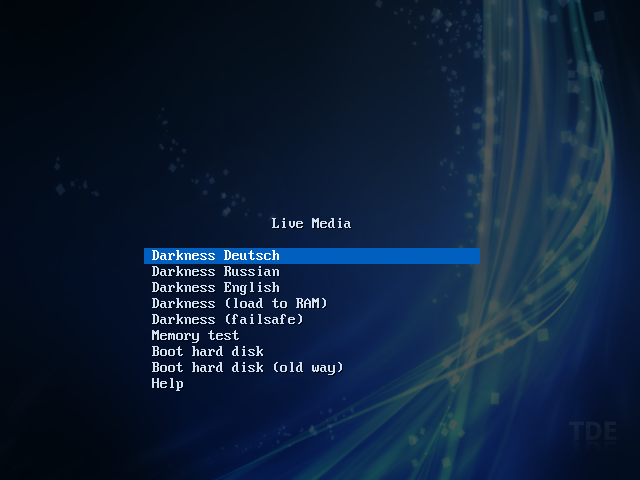
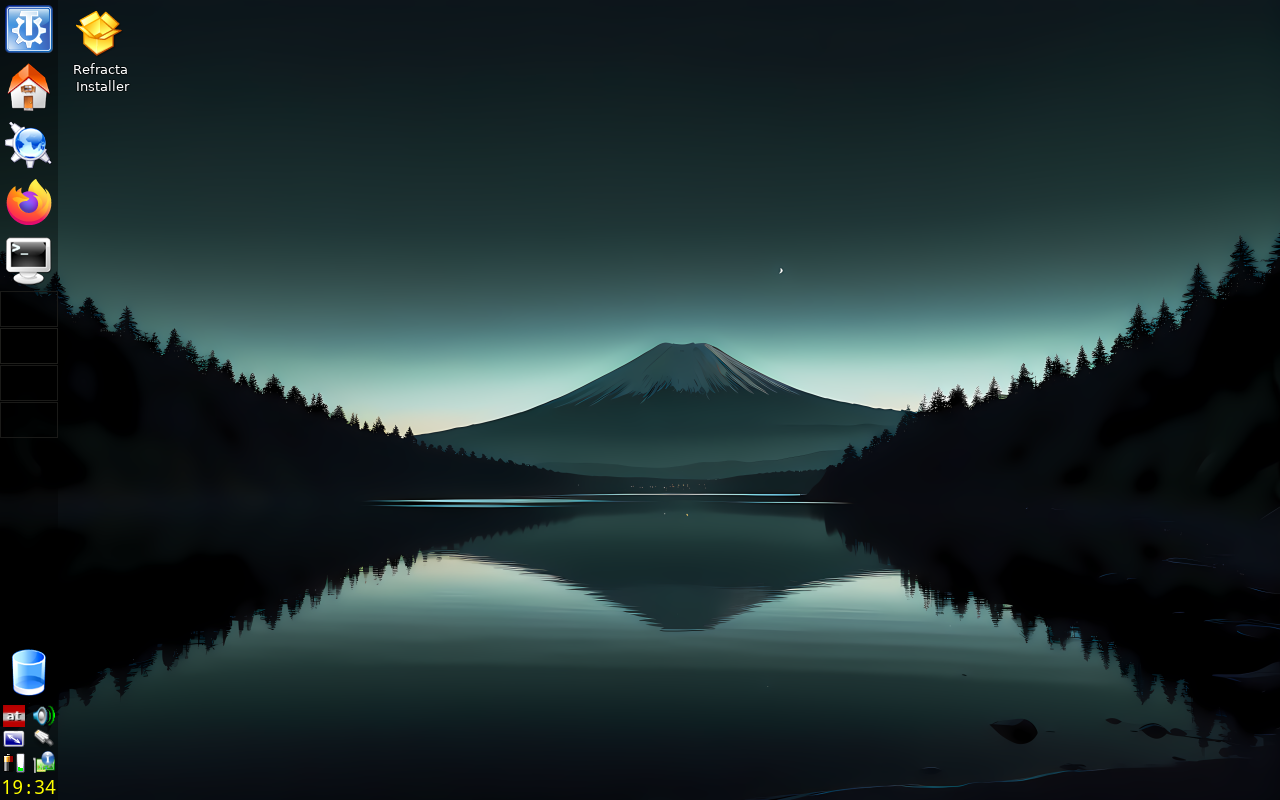
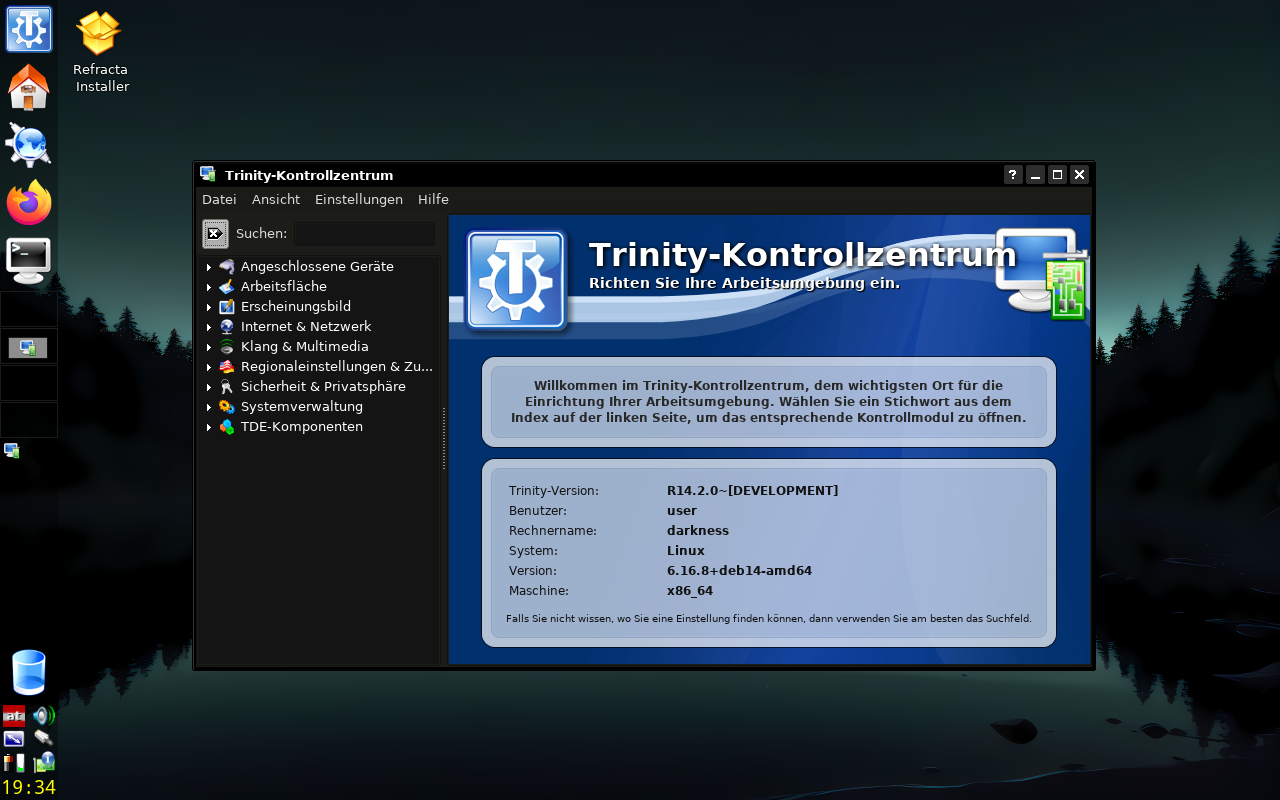
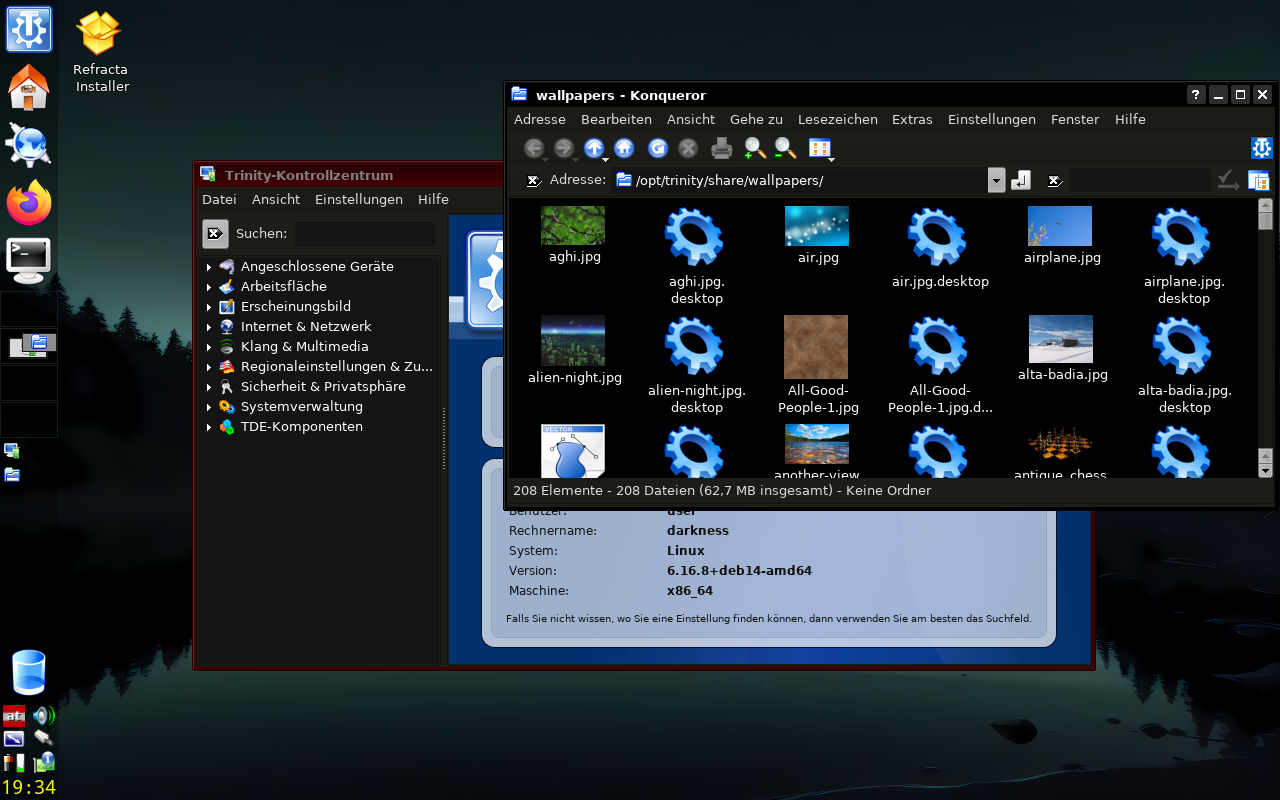
Thumbnails of all new wallpapers: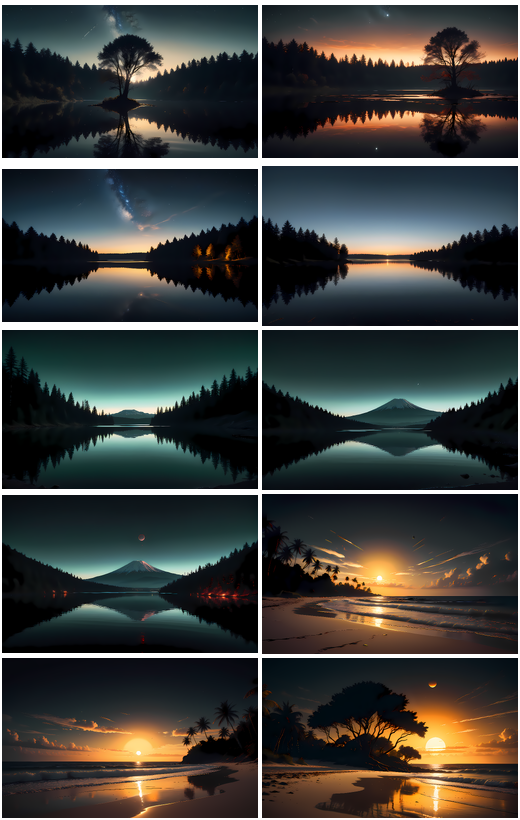
Please feel free to download and try .. and post your experience 
#11 Re: Devuan Derivatives » Darkness - ISO Devuan Testing + TDE for AMD64 » 2025-05-02 21:34:38
You can control scaling under "kcontrol -> Apparance & Themes -> Fonts":
- either change the DPI settings from 96 to e.g. 190
- or choose bugger fonts, e.g. "Adjust All Fonts" and the select 30px instead of 12px.
BTW, the latest stable TDE version got released the other day.
https://www.theregister.com/2025/05/01/ … eepreading
#12 Re: Devuan Derivatives » Darkness - ISO Devuan Testing + TDE for AMD64 » 2025-04-02 17:55:22
You can run konqueror as root, but you should not. Anyway,
tdesu konquerordoes the job - and your way works probably the best.
I cannot comment on the ntfs issues (don't have anything M$ to test). When you search you'll find that this is a long standing problem with ntfs across distribution - and was apparently never solved.
#13 Re: Devuan Derivatives » Darkness - ISO Devuan Testing + TDE for AMD64 » 2025-03-06 19:23:35
Thank you for testing
#14 Re: Devuan Derivatives » Darkness - ISO Devuan Testing + TDE for AMD64 » 2025-03-02 19:04:38
March 2025 version is out!
What do you get:
- Devuan Testing
- TDE 14.2.0 (dev branch)
- Openscad
- Firefox v135
- Kernel 6.12.17
- most firmware blobs
- dark theme
I have removed Zim Desktop Wiki due to the vast number of dependencies it pulls in.
UID / PWD:
user / user
root / toor
ISO: https://samhain.at/devuan_tde/darkness-20250302.iso
SHA256: https://samhain.at/devuan_tde/darkness- … iso.sha256
Note: default language is austrian german. Russian and englisch language packs are installed, too.
#15 Re: Devuan Derivatives » Darkness - ISO Devuan Testing + TDE for AMD64 » 2024-11-10 14:14:23
Thank you for testing. Refractainstaller is a bit tricky, but I did not find anything better yet so I stick with it
TDE14.2 (which I use) is the dev branche of TDE. Upgrades are usalluay very smooth without surprises.
#16 Re: Devuan Derivatives » Darkness - ISO Devuan Testing + TDE for AMD64 » 2024-09-19 17:09:30
As the name says: "testing" is for testing. If don't want to test, then don't.
#17 Re: Devuan Derivatives » Darkness - ISO Devuan Testing + TDE for AMD64 » 2024-09-19 12:09:42
Well, there are lots of "stable" remixes, but not a lot of "testing", e.g. "exegnulinux" is stable + TDE - so no need for another stable remix
#19 Devuan Derivatives » Darkness - ISO Devuan Testing + TDE for AMD64 » 2024-09-19 10:57:37
- samhain
- Replies: 40
Latest iteration of my Devuan Testing + TDE Remaster for AMD64. And I finally gave it a name
What do you get:
- Devuan Testing
- TDE 14.2
- Openscad
- Zim Desktop Wiki
- most firmeware blobs
- firefox
- dark theme
UID / PWD:
user / user
root / toor
ISO: https://samhain.at/devuan_tde/darkness-20240918.iso
SHA256: https://samhain.at/devuan_tde/darkness- … iso.sha256
Note: default language is austrian german. Russian and englisch language packs are installed, too.
Screenshots:


Please test and report any issues you find here.
#20 Re: Devuan Derivatives » Excalibur + TDE ISO for testing » 2024-04-12 06:29:53
@deepforest: Devuan ceres is a bit hard to find, otherwise it's just that
@aluma: I need zim for myself, so I included it. As the gtk3 stuff is already pulled in from refracta/gparted/lxappereance it's no big deal.
#21 Re: Devuan Derivatives » my snaoshot Devuan Crown 64 bit: testing or ceres? libsystemd0 » 2024-03-26 19:04:15
Even if that's a bit late: Purge libelogind-compat and do a dist-upgrade again. You'll find some more gotchas while upgrading to ceres - I just went through that the last days, too.
#22 Re: Devuan Derivatives » Excalibur + TDE ISO for testing » 2024-03-26 18:56:05
Spring edition:
ISO: https://samhain.at/devuan_tde/ceres-20240326.iso
SHA256: 1a99aac13d08df5949ba4ad410dfbbc8bc35bcff6a9a55d9b4cd48fd6a12e957
Biggest changes:
- moved to Ceres
- Kernel 6.7.9-amd64
- added "zim"
- removed "arduino"
- Bootmenu with language selection (AT/RU/EN)
#23 Re: Devuan Derivatives » Refracta not booting in VM » 2024-03-02 11:18:56
Today I tried the new refractasnapshot from excalibur repository (10.4.0). It still cannot handle the standard initrd from the excalibur kernel --> creation of initrd "works", but the created initrd is not bootable. Problem is still the same as described above, which is handle_cpio_extraction only extracts the microcode, not the initrd:
cpio_extracted/
├── kernel
│ └── x86
│ └── microcode
│ └── GenuineIntel.bin
└── main_filesystem
I still dont understand why the extraction of the initrd is not handled by "unmkinitramfs".
Anyway, here comes the patch to make refractasnapshot work with stock devuan kernel and uncompressed initrd (note:I don't care about refractasnapshot-gui - you'd need about the same patches there):
--- /usr/bin/refractasnapshot-original	2024-03-02 12:37:19.027945614 +0100
+++ /usr/bin/refractasnapshot	2024-03-02 13:44:19.447975320 +0100
@@ -330,57 +330,6 @@
 }

-handle_cpio_extraction () {
-	#
-	# Handle newer kernels, whose initrd might have the "actual"
-	# filesystem concatenated. If so, temporarily save the original
-	# initrd filename and work with the "real" filesystem image.
-	#
-	mkdir -p /tmp/cpio_extracted
-	pushd /tmp/cpio_extracted
-
-	local size=$(du -sb $initrd_image | cut -f 1)
-	local cpio_extracted_size=$(cpio -iF $initrd_image 2>&1 | cut -d ' ' -f 1)
-
-	if [[ $cpio_extracted_size < $size ]]; then
-		dd if=$initrd_image of=main_filesystem skip=$cpio_extracted_size
-		cpio_initrd_image=$initrd_image
-		initrd_image="$(pwd)/main_filesystem"
-	fi
-
-	set_initrd_compression_type
-
-	popd
-}
-
-
-cleanup_cpio_extraction () {
-	#
-	# Create the final CPIO archive, whose structure should match that
-	# of the original initrd image. Remove old files/variables.
-	#
-	pushd /tmp/cpio_extracted
-
-	rm main_filesystem || ( \
-		echo "Error while removing extracted filesystem."
-		echo "Try `rm /etc/cpio_extracted/main_filesystem` manually."
-		exit 1
-	)
-	find . | cpio --create --format='newc' > rebuilt_cpio
-	cat ${work_dir}/iso/live/${initrd_image##*/} >> rebuilt_cpio
-
-	rm ${work_dir}/iso/live/${initrd_image##*/}
-	initrd_image=$cpio_initrd_image
-	unset cpio_initrd_image
-
-	mv rebuilt_cpio ${work_dir}/iso/live/${initrd_image##*/}
-
-	popd
-	if [ -d "/tmp/cpio_extracted" ]; then
-		rm -rf /tmp/cpio_extracted
-	fi
-}
-

 extract_initrd () {

@@ -389,26 +338,13 @@

 	set_initrd_compression_type

-	if [ "$initrd_compression" == "cpio archive" ]; then
-		echo "cpio archive found: Searching for its real filesystem..."
-		unset initrd_compression
-		handle_cpio_extraction
-	fi
-
-	if [ "$initrd_compression" == "Zstandard compressed" ]; then
-		echo "Archive is zstd compressed..."
-		zstd --decompress --stdout "$initrd_image" | \
-			cpio --extract --make-directories --preserve-modification-time
-
-	elif [ "$initrd_compression" == "gzip compressed" ]; then
-		echo "Archive is gzip compressed..."
-		zcat "$initrd_image" | cpio -i
-
-	elif [ "$initrd_compression" == "XZ compressed" ]; then
-		echo "Archive is XZ compressed..."
-		xzcat "$initrd_image" | cpio -d -i -m
-
-	fi
+	unmkinitramfs "$initrd_image" .
+	for i in main early; do
+		if [ -d $i ]; then
+			mv $i/* .
+			rmdir $i
+		fi
+	done

 	popd

@@ -450,7 +386,10 @@

 	pushd /tmp/extracted

-	if [ "$initrd_compression" == "gzip compressed" ]; then
+	if [ "$initrd_compression" == "cpio archive" ]; then
+		find . -print0 | cpio -0 -H newc -o > ${work_dir}/iso/live/${initrd_image##*/}
+
+	elif [ "$initrd_compression" == "gzip compressed" ]; then
 		find . -print0 | cpio -0 -H newc -o | gzip -c > ${work_dir}/iso/live/${initrd_image##*/}

 	elif [ "$initrd_compression" == "XZ compressed" ] ; then
@@ -464,10 +403,6 @@
 		exit 1
 	fi

-	if [ $cpio_initrd_image ]; then
-		cleanup_cpio_extraction
-	fi
-
 	popd

rm -rf /tmp/extracted#24 Re: Devuan Derivatives » Excalibur + TDE ISO for testing » 2024-02-04 14:28:27
Latest iteration:
ISO: https://samhain.at/devuan_tde/devuan_tde_20240204.iso
SHA256: https://samhain.at/devuan_tde/devuan_td … iso.sha256
Biggest changes:
- Kernel 6.6.13
- Bootmenu with language selection (AT/RU/EN)
#25 Re: Devuan Derivatives » Excalibur + TDE ISO for testing » 2024-01-10 12:46:11
I uploaded an updated image with "usrmerge" installed. Reason is that when you update to "kmod 30+20230601-2" or newer "mkinitrd" fails and leves you with an initrd that works just fine but Xorg does not have keyboard nor mouse - which is kind of bad.
Board footer
