
You are not logged in.
- Topics: Active | Unanswered
#1 Re: Devuan Derivatives » Darkness - ISO Devuan Testing + TDE for AMD64 » 2026-09-01 18:36:20
September 2026 Version is out!
Whats in it:
- TDE 14.2.0-DEVELOPMENT
- Xlibre 25.2.0
- new background images
- kernel 7.1.12
- all specific tweaks are packaged in darkness-tweaks
- rpi crossinstaller
- new i386 iso with kernel 7.1.12 for those who love old hardware
Notes:
- Persistent partition at 3GB when booting the ISO from a USB stick: As long as any future ISO written to the stick is smaller than 3GB the data on the partition is unaffected.
- Virtualbox/VMware guest graphics: "modesetting" is used for "VirtualBox GPU".
- Laguage: TDE language packs of unused languages are removed when booting from iso, so that translations of missing texts come from english and not from any other language pack
- deactivate 3D acceleration on Lenovo X61 / Intel GM965/GL960
- dark theme for OpenSCAD
- i386 iso comes without EFI support
Download:
amd64:
- https://darkness.klepp.cn/iso/darkness-20260901.iso
- https://darkness.klepp.cn/iso/darkness- … iso.sha256
i386:
- https://darkness.klepp.cn/iso/darkness- … 260901.iso
- https://darkness.klepp.cn/iso/darkness- … iso.sha256
Some images


Please feel free to download and try .. and post your experience smile
#2 Re: Devuan Derivatives » Darkness - ISO Devuan Testing + TDE for AMD64 » 2026-08-02 21:09:07
Thanks for trying 
IMO the high ram consumtion has to do with the compositor. When you turn that off you should get significant less memory usage. If you happen to have a 1GB RAM machine then you should install the 32 bit version (I updated the i386 kernel to 7.1.5)
#3 ARM Builds » ceres on R36S gameconsole » 2026-08-02 21:05:51
- samhain
- Replies: 0
I built a devuan ceres image for the famouse R64S gameconsole. Platform is RK3326 with MALI G31 and 1G RAM. So far everything works:
- I got devuan arm64 / aarch64 working
- X11 + xdm + fvwm
- Network (usb) works
- powerbutton works
So far so good. But I'm stuck with an ancient odroid-go2 kernel 4.4 from 2021. Does by chance anybody know if RK3326 is supported by mainline kernel?
#4 Re: Devuan Derivatives » Devuan Excalibur mate-mini + Xlibre! » 2026-07-21 13:34:11
Xorg gone, welcome Xlibre - I love it
#5 Re: Devuan Derivatives » Darkness - ISO Devuan Testing + TDE for AMD64 » 2026-07-11 08:29:09
Opps ... I had a typo in the URLs. Download works again, sorry for the inconvenience ...
#6 Re: Devuan Derivatives » Darkness - ISO Devuan Testing + TDE for AMD64 » 2026-07-06 18:16:49
July aka Summer 2026 Version is out!
Biggest changes:
- TDE 14.2.0-DEVELOPMENT
- Xlibre 25.2.0
- new background images
- kernel 7.1.3
- all specific tweaks are packaged in darkness-tweaks
- i386 crossinstaller with kernel 7.0.14
- rpi crossinstaller
Notes:
- Persistent partition at 3GB when booting the ISO from a USB stick: As long as any future ISO written to the stick is smaller than 3GB the data on the partition is unaffected.
- Virtualbox/VMware guest graphics: "modesetting" is used for "VirtualBox GPU".
- Laguage: TDE language packs of unused languages are removed when booting from iso, so that translations of missing texts come from english and not from any other language pack
- deactivate 3D acceleration on Lenovo X61 / Intel GM965/GL960
- dark theme for OpenSCAD
Download:
- https://darkness.klepp.cn/iso/darkness-20260706.iso
- https://darkness.klepp.cn/iso/darkness- … iso.sha256
- SHA256: ce1d103cc1fcd343399d04926e60019d7240e66e55bef8d68a00df621eecbd2a darkness-20260706.iso
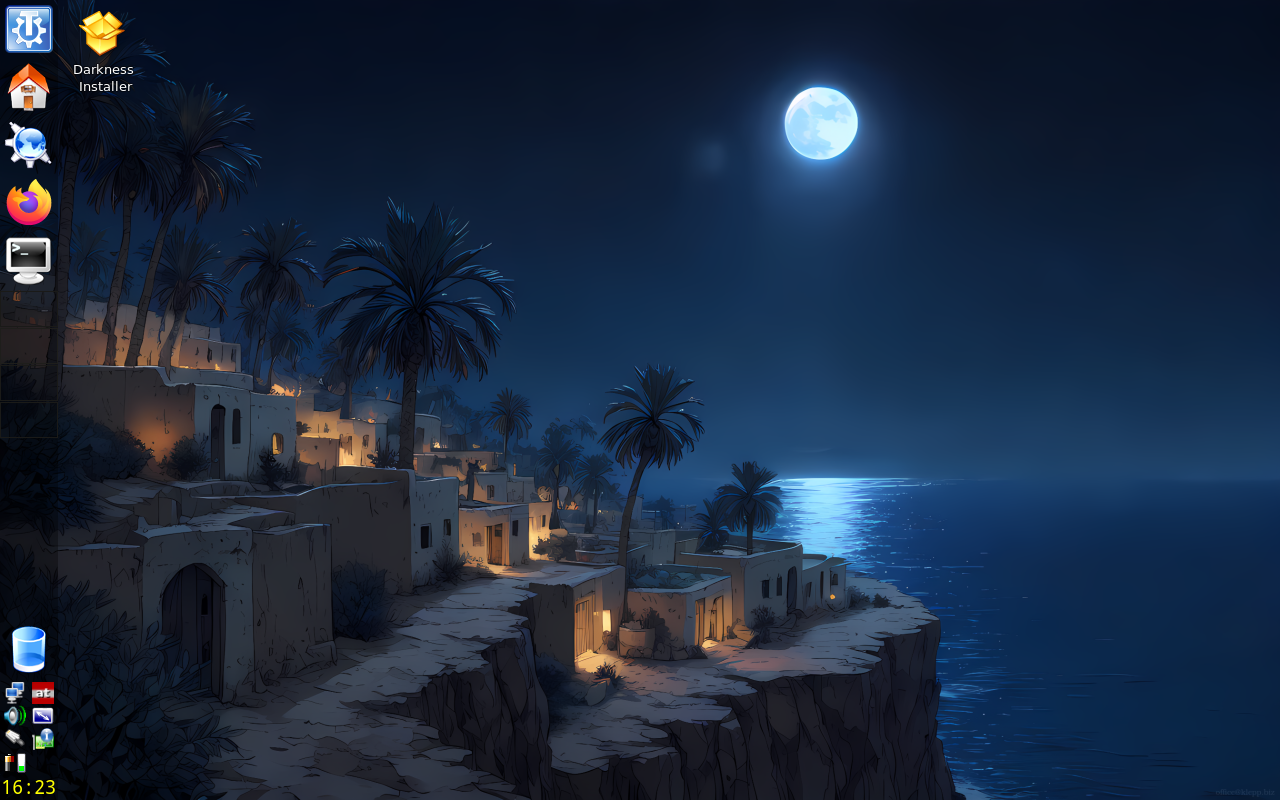
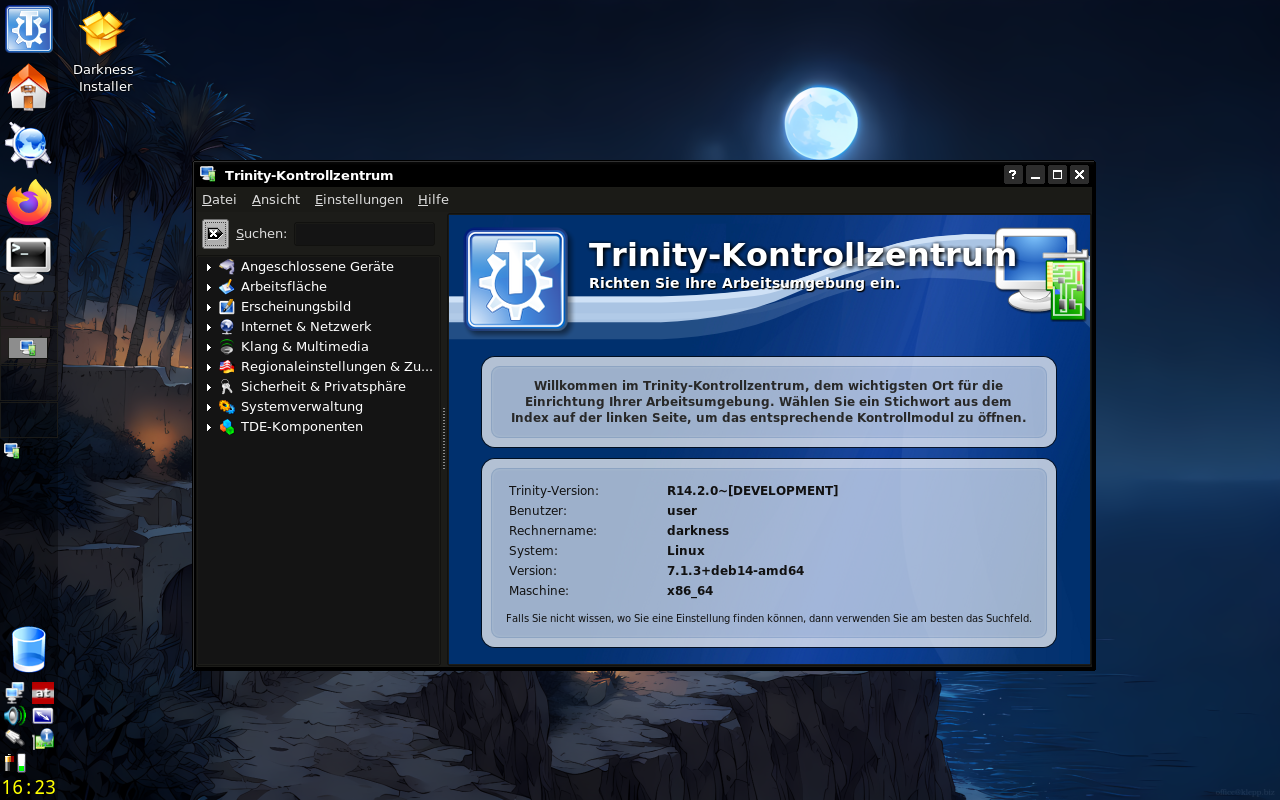
Some Images: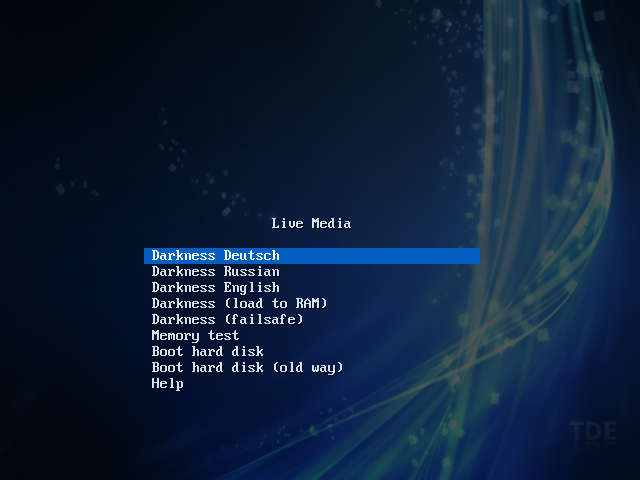
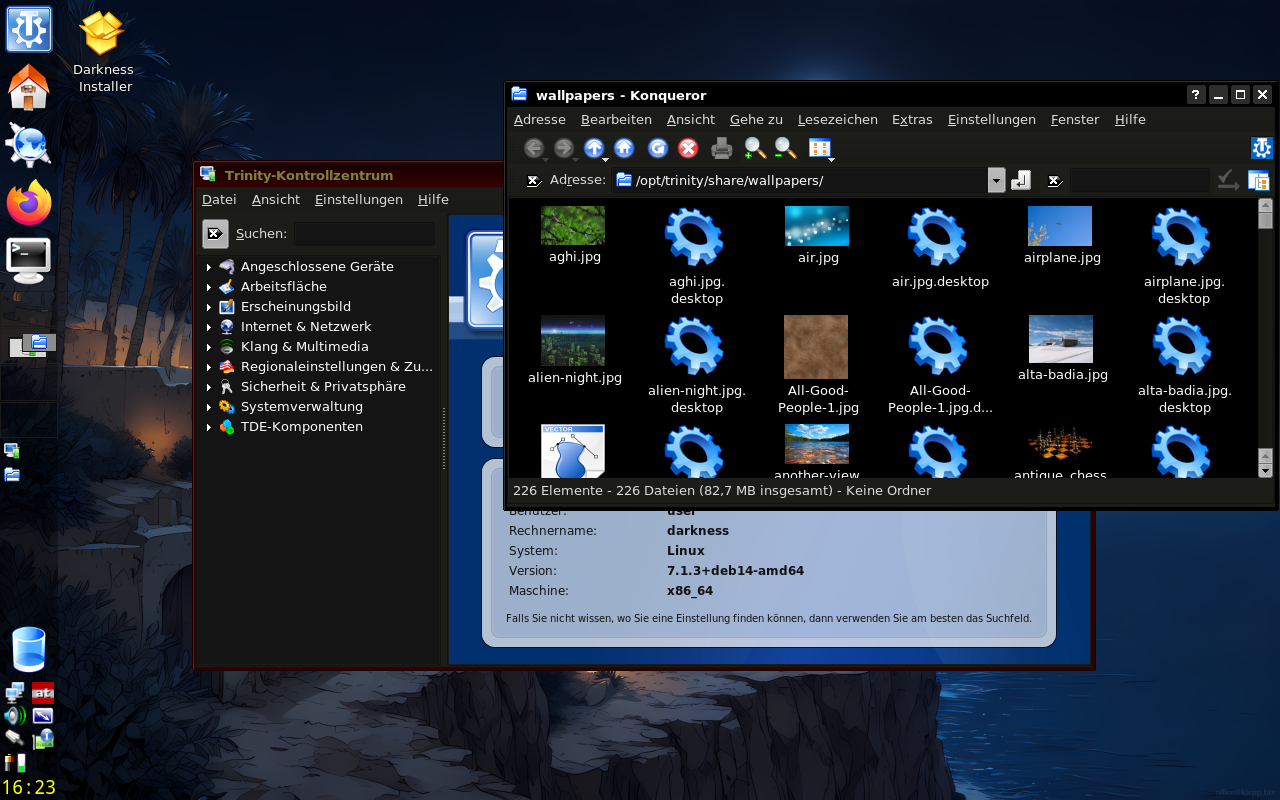
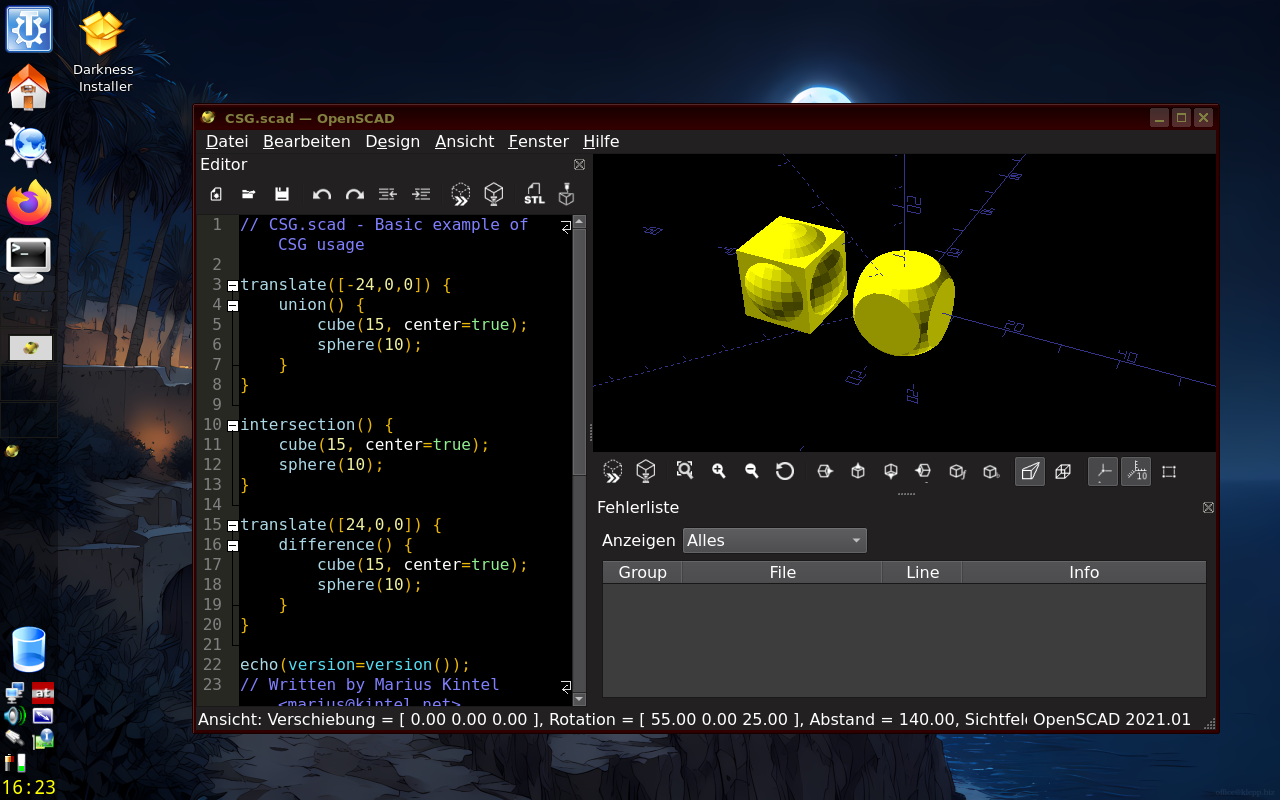
Thumbnails of all wallpapers: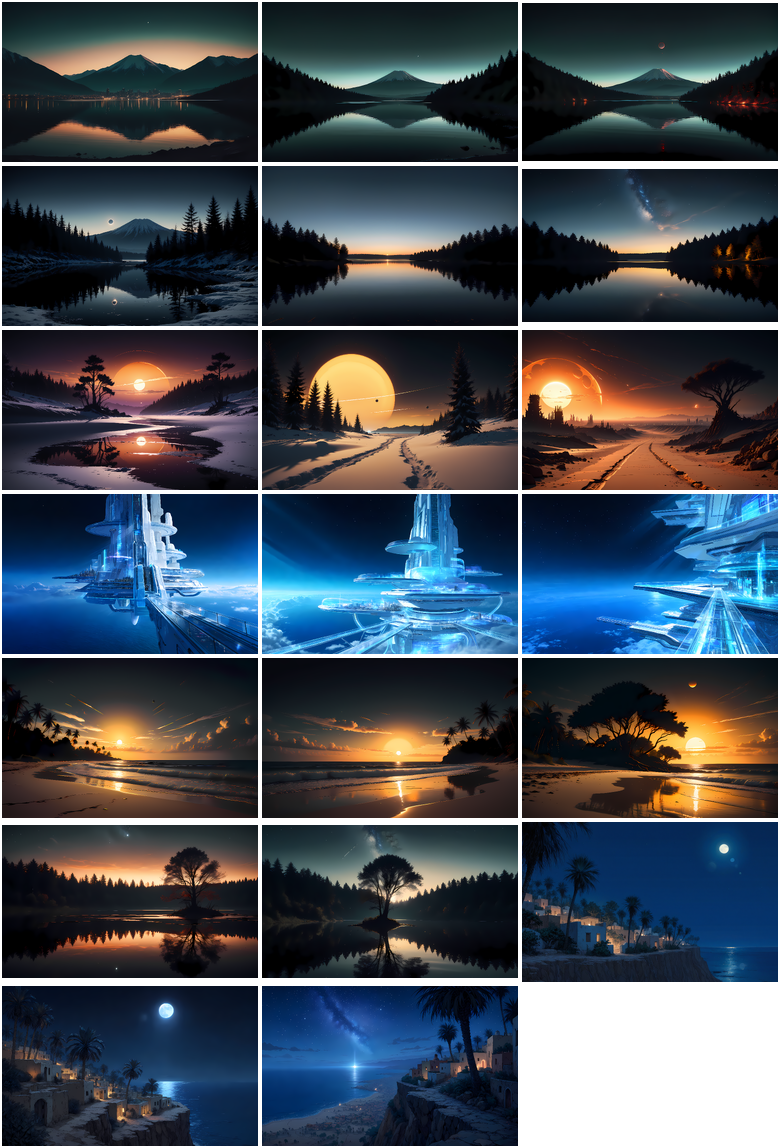
Please feel free to download and try .. and post your experience
#7 Re: Devuan Derivatives » Darkness - ISO Devuan Testing + TDE for AMD64 » 2026-06-28 11:19:22
klepp.cn is hosted by wold4you.com in Austria. You could check for yourself: https://www.iplocation.net/ip-lookup?query=klepp.cn
#8 Re: Devuan Derivatives » Darkness - ISO Devuan Testing + TDE for AMD64 » 2026-06-27 20:21:45
Can you post an image just of the error message? I can't read the text
And please post which version of darkness you use.
#9 Re: Devuan Derivatives » Darkness - ISO Devuan Testing + TDE for AMD64 » 2026-05-24 13:33:24
Just a heads-up for all devs: TDE 14.2.0 running on a "HP Mini" ATOM 32bit machine.
- Kernel 7.0.9 i686
- TDE 14.2.0-DEVELOPMENT
- Devuan Ceres
Download:
- https://darkness.klepp.cn/iso/darkness- … 386.img.xz
- https://darkness.klepp.cn/iso/darkness- … .xz.sha256
Please note: for the old DXXX ATOM CPUS you must use the "modesetting" driver, otherwise the GPU will crash:
cat > $MNT/etc/X11/xorg.conf.d/20-intel.conf << XXX
Section "Device"
Identifier "Intel Graphics"
# Driver "intel"
Driver "modesetting"
Option "NoAccel" "True"
Option "DRI" "False"
EndSection
XXX
So dust off those old machines on your shelfs and basements, you can run a decent OS on them
#10 Re: Devuan Derivatives » Darkness - ISO Devuan Testing + TDE for AMD64 » 2026-05-21 18:06:45
For those who happen to have a raspberry 4/400/5: I have uploaded an image based on https://arm-files.devuan.org/RaspberryP … 2-0554.zip upgraded to ceres.
The image is essentially the same as you get when running /root/rpi-installer from the ISO above, but with these changes:
- default language is english
- you can change the localisation and language to german and russian using /root/change-language
Download:
- https://darkness.klepp.cn/iso/darkness- … -21.img.xz
- https://darkness.klepp.cn/iso/darkness- … .xz.sha256
Please feel free to download and try .. and post your experience 
#11 Re: Devuan Derivatives » Darkness - ISO Devuan Testing + TDE for AMD64 » 2026-05-17 09:12:39
Maintenance Release
Due to "some" severe security vulerabilities in older kernels I have created and uploaded a maintenance release.
Biggest changes:
- kernel 7.0.7
- linux-vulnerability-mitigation installed and activated
- minor fixes in locales now uses translated manpages etc. by default
- raspberrypi installer /root/rpi-installer included - in case you want ceres + TDE + darkness on your PI.
Download:
- https://darkness.klepp.cn/iso/darkness-20260517.iso
- https://darkness.klepp.cn/iso/darkness- … iso.sha256
uid/pwd:
- root / toor
- user / user
Please use this ISO or install "linux-vulnerability-mitigation" on the older ones.
#12 Re: Devuan Derivatives » [SOLVED] REFRACTA vs. DEVUAN desktop-live, differences ? » 2026-05-10 08:56:51
From https://www.devuan.org/get-devuan :
"desktop-live: Explore the default Xfce desktop before installing. Then install easily and quickly from the live session using the refractainstaller."
so ...
#13 Re: Devuan Derivatives » Darkness - ISO Devuan Testing + TDE for AMD64 » 2026-05-01 13:26:57
Sure it is:
- right click on a free space of the panel (just above the CD icon)
- select "Configure Panel ..."
You'll most likely want to reconfigure the clock, too
#14 Re: Devuan Derivatives » Darkness - ISO Devuan Testing + TDE for AMD64 » 2026-05-01 12:45:31
May 2026 Version is out!
Biggest changes:
- TDE 14.2.0-DEVELOPMENT
- Xlibre 25.0.0
- new background images
- kernel 7.0.3
- own repository for darkness-specific packages (ATM a package for the repo and the wallpapers)
Notes:
- Persistent partition at 3GB when booting the ISO from a USB stick: As long as any future ISO written to the stick is smaller than 3GB the data on the partition is unaffected.
- Virtualbox/VMware guest graphics: mesa has deprecated gallium-xa. When you run inside an affected guest then xserver-xlibre-video-vmware is automatically downgraded to 13.4.0.1-2
- Laguage: TDE language packs of unused languages are removed when booting from iso, so that translations of missing texts come from english and not from any other language pack
- deactivate 3D acceleration on Lenovo X61 / Intel GM965/GL960
Download:
- https://www.klepp.cn/darkness/iso/darkness-20260501.iso
- https://www.klepp.cn/darkness/iso/darkn … iso.sha256
Some Images:


Thumbnails of all new wallpapers:
Please feel free to download and try .. and post your experience
#15 Re: Devuan Derivatives » Darkness - ISO Devuan Testing + TDE for AMD64 » 2026-02-25 17:20:48
tde-trinity is TDEs top meta-package. When installing it pulls in the next layer of meta-packages. When you uninstall any package that is referenced somewhere down the dependency tree you'll end up with all depending packages removed. e.g. "tde-trinity" depends on "tdeedu-trinity" depends on "klatin-trinity". klatin-trinity" will remove all the meta-packages that depend on it, including "tde-trinity". As all other TDE packages like "tde-core-trinity" are marked as "automatically installed" they will be removed when the last package depending on them is removed ... so removing "klatin-trinity" will remove the whole of TDE.
To prevent this from happening you can mark all packages that "tde-trinity" depends on as "manually installed", e.g.:
apt-mark manual $(LANG=C aptitude show tde-trinity |grep Depends|sed -e 's#Depends:##' -e 's#([^)]*),##g')Now removing "klatin-trinity" will remove the meta-package "tde-trinity" and the meta-package "tdeedu-trinity" plus all other things mentioned in "tdeedu-trinity", but the rest of TDE will still be installed. As the meta-packages are there for your convinience it works as intended
#16 Re: Devuan Derivatives » Darkness - ISO Devuan Testing + TDE for AMD64 » 2026-02-25 11:53:24
I prefer to start with a full installation and then work my way back. Just mark all packages installed by tde-trinity as "manual". "tdm-trinity" should be pulled in automatically.
#17 Re: Devuan Derivatives » Darkness - ISO Devuan Testing + TDE for AMD64 » 2026-02-24 19:51:47
Well, you can just use regular stable devuan and follow the installation guide for TDE:
https://wiki.trinitydesktop.org/Devuan_ … structions
You find my customisations in /etc/skel - just copy them over to your installation, it'll work.
BTW, I run testing as my daily gear and I'm happy with it - but YMMV
#18 Re: Devuan Derivatives » Refracta ready for Excalibur? » 2026-01-04 22:14:30
When you add "--removable" then it actually boots, like:
grub-install --target=x86_64-efi --efi-directory=/boot/efi --bootloader-id=GRUB --removable
#19 Re: Devuan Derivatives » Darkness - ISO Devuan Testing + TDE for AMD64 » 2025-09-29 06:06:30
Passwords are the same as in the first post:
user / user
root / toor
#20 Re: Installation » How to Install XLibre on Devuan Daedalus (MATE)? » 2025-09-28 20:52:37
I just uploaded my new ISO with your Xlibre build
https://dev1galaxy.org/viewtopic.php?pid=58275#p58275
#21 Re: Devuan Derivatives » Darkness - ISO Devuan Testing + TDE for AMD64 » 2025-09-28 20:37:06
Autumn 2025 Version is out!
I just finished uploading the latest version of "darkness". Biggest changes:
- TDE 14.2-DEVELOPMENT
- Xlibre instead of Xorg - thanks to @callmetango
- new background images
- kernel 6.16.8
- own repository for darkness-specific packages (ATM a package for the repo and the wallpapers)
Issues solved:
- EFI installation on blank disk works now
- TDE language packs of unused languages are removed when booting from iso, so that translations of missing texts come from english and not from any other language pack
- deactivate 3D acceleration on Lenovo X61 / Intel GM965/GL960
Download (I got myself a bigger webspace):
- https://www.klepp.cn/darkness/iso/darkness-20250928.iso
- https://www.klepp.cn/darkness/iso/darkn … iso.sha256
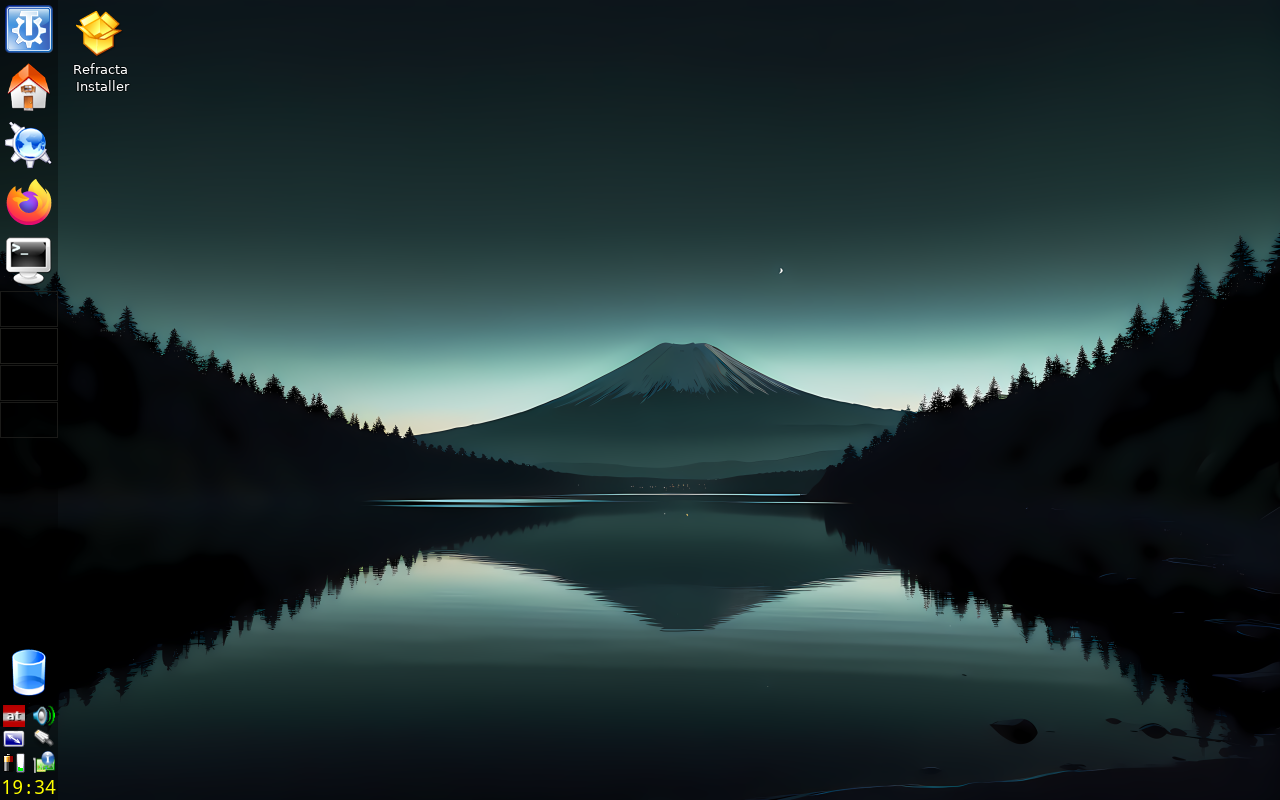
Some Images: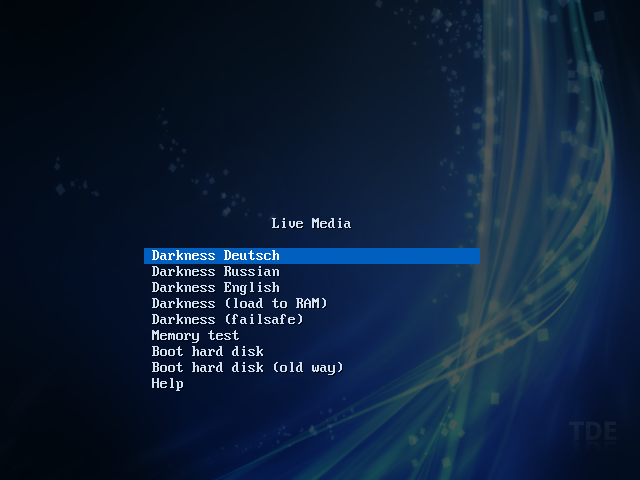
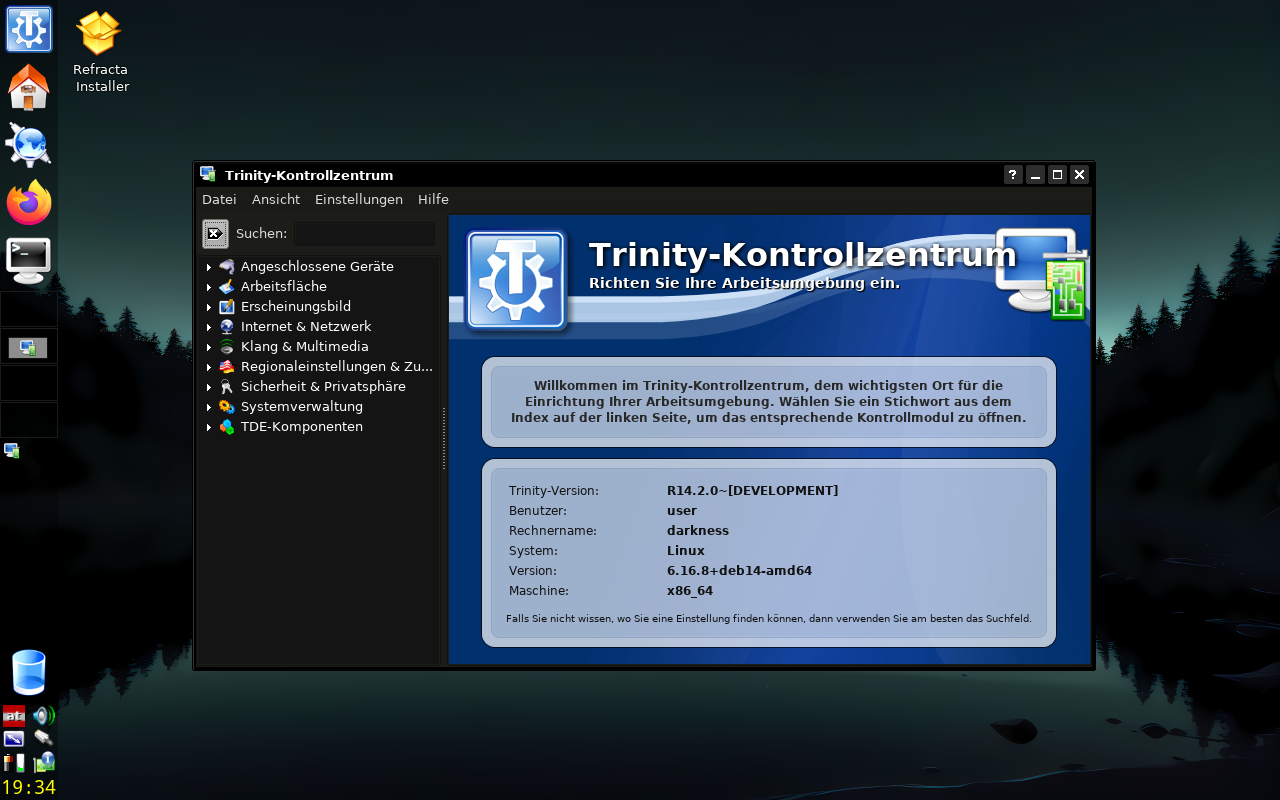
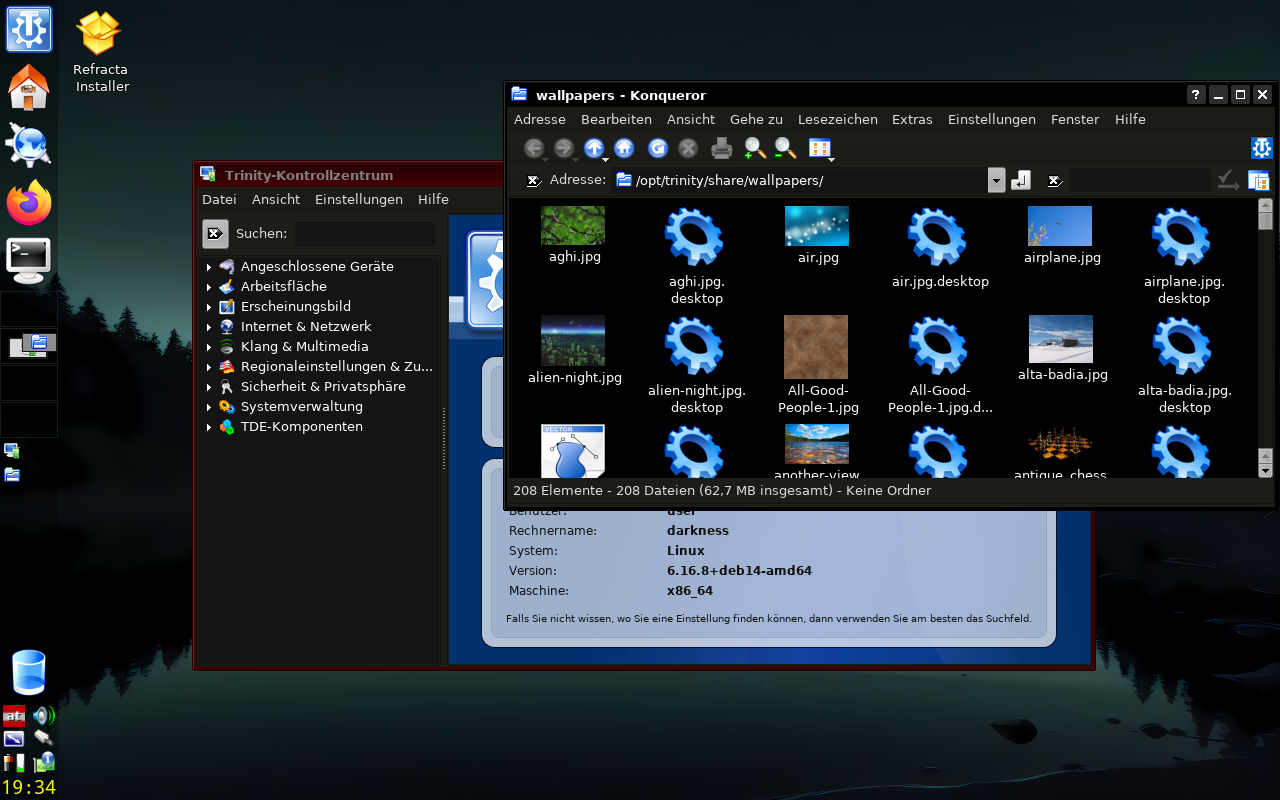
Thumbnails of all new wallpapers: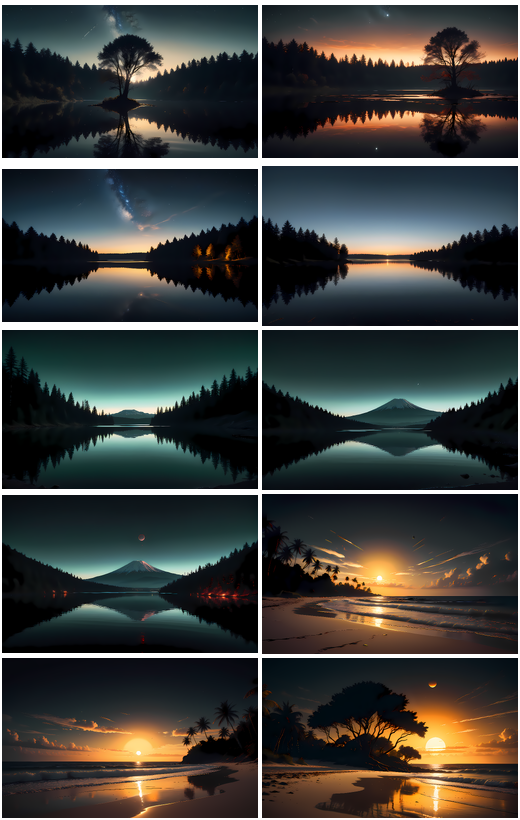
Please feel free to download and try .. and post your experience 
#22 Re: Devuan Derivatives » Darkness - ISO Devuan Testing + TDE for AMD64 » 2025-05-02 21:34:38
You can control scaling under "kcontrol -> Apparance & Themes -> Fonts":
- either change the DPI settings from 96 to e.g. 190
- or choose bugger fonts, e.g. "Adjust All Fonts" and the select 30px instead of 12px.
BTW, the latest stable TDE version got released the other day.
https://www.theregister.com/2025/05/01/ … eepreading
#23 Re: Devuan Derivatives » Darkness - ISO Devuan Testing + TDE for AMD64 » 2025-04-02 17:55:22
You can run konqueror as root, but you should not. Anyway,
tdesu konquerordoes the job - and your way works probably the best.
I cannot comment on the ntfs issues (don't have anything M$ to test). When you search you'll find that this is a long standing problem with ntfs across distribution - and was apparently never solved.
#24 Re: Devuan Derivatives » Darkness - ISO Devuan Testing + TDE for AMD64 » 2025-03-06 19:23:35
Thank you for testing
#25 Re: Devuan Derivatives » Darkness - ISO Devuan Testing + TDE for AMD64 » 2025-03-02 19:04:38
March 2025 version is out!
What do you get:
- Devuan Testing
- TDE 14.2.0 (dev branch)
- Openscad
- Firefox v135
- Kernel 6.12.17
- most firmware blobs
- dark theme
I have removed Zim Desktop Wiki due to the vast number of dependencies it pulls in.
UID / PWD:
user / user
root / toor
ISO: https://samhain.at/devuan_tde/darkness-20250302.iso
SHA256: https://samhain.at/devuan_tde/darkness- … iso.sha256
Note: default language is austrian german. Russian and englisch language packs are installed, too.
Board footer
